


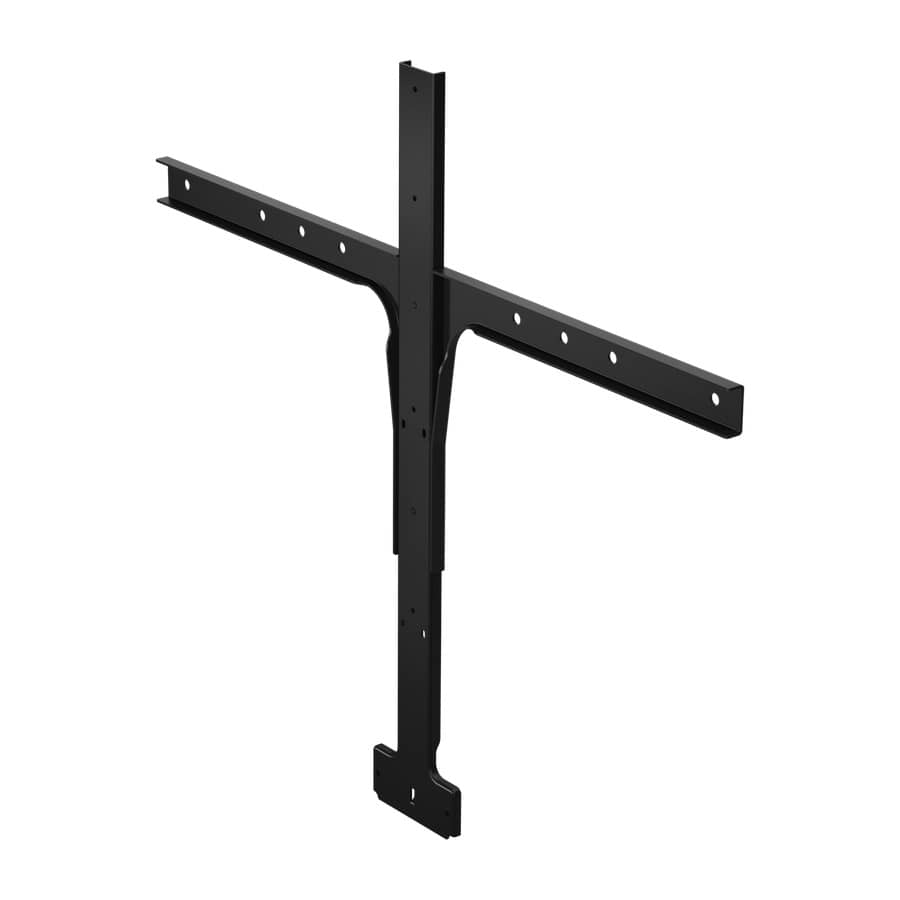


Description
The Jabra PanaCast 50 Screen Mount (14207-72) attaches the PanaCast 50 video bar to the top of a display monitor, positioning the camera at eye level above the screen — the optimal viewing angle for natural, face-level video in huddle rooms and smaller meeting spaces.
The Telecom Spot Take
Eye-level camera placement is the single biggest factor in how natural video calls feel. When a camera sits below screen level, participants appear to be looking down; when it's mounted at the top of the display, eye contact is natural and the meeting atmosphere improves. The PanaCast 50 Screen Mount solves this by clamping securely to the monitor's top bezel, positioning the 180-degree camera bar directly above the shared screen. It's the recommended installation method for huddle rooms where a wall or table stand isn't practical.
Key Features
- Eye-level camera positioning — Mounts PanaCast 50 above the display for natural eye contact in video calls.
- Monitor top-mount design — Clamps to the top bezel of a display — no wall holes, no table footprint.
- Optimal for huddle rooms — The preferred mounting solution when wall or table installation is impractical.
- PanaCast 50 specific fit — Designed for the PanaCast 50's form factor and weight.
Technical Specifications
| Specification | Detail |
|---|---|
| SKU | 14207-72 |
| Compatible device | Jabra PanaCast 50 |
| Mount type | Display screen mount (top-of-monitor) |
| Installation | Clamps to monitor top bezel |