




Description
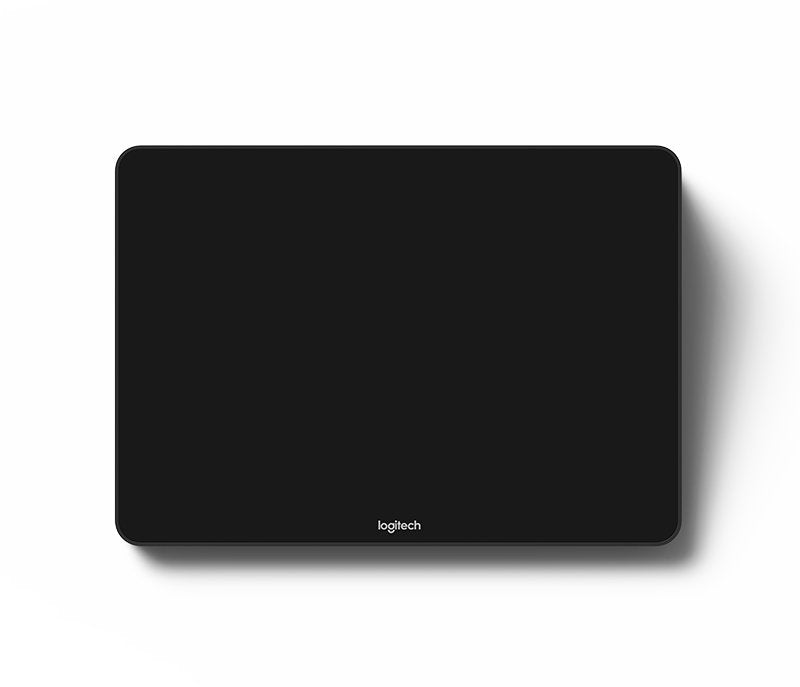
At The Telecom Spot, we're all about equipping businesses with reliable tools that make collaboration effortless. The Logitech Tap Touch Controller (SKU: 939-001950) is a game-changer for mid-sized conference rooms or huddle spaces where hybrid teams need quick, intuitive access to video meetings. This USB-connected device pairs perfectly with platforms like Microsoft Teams, Zoom, or Google Meet, offering one-touch joining, calendar sync, and easy content sharing. Ideal for IT managers or office admins who want a low-maintenance setup without the hassle of complex wiring, it comes bundled with a Cat5e Kit for extended cabling up to 131 feet. Whether you're outfitting a new office or upgrading an existing one, this controller keeps things professional and user-friendly, ensuring everyone stays connected without technical glitches.
The Telecom Spot Expert Review
Our team loves how it simplifies room management – no more fumbling with remotes or apps; just tap to start. In our tests, the motion sensor wakes it up instantly, saving energy while keeping it ready for back-to-back meetings. Setup tip: Use the included Cat5e cables to route power and data cleanly through walls or under floors, avoiding clutter in open-plan offices. Pros include the anti-fingerprint screen that stays clean during heavy use and HDMI input for quick guest presentations. On the cons side, it's USB-tethered, so it's best for fixed PC-based rooms rather than fully wireless setups. Overall, if you're building Teams or Zoom Rooms on a budget, this is a solid choice – pair it with a Logitech MeetUp camera for under $2,000 total. We've seen clients reduce meeting start times by 50% after switching, making it a smart investment for productivity-focused teams.
Key Features
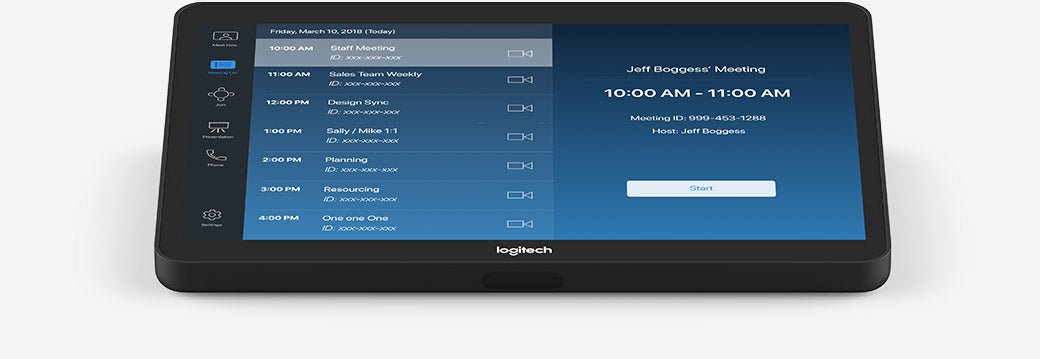
- Intuitive 10.1" Touchscreen: Responsive display with anti-glare and oleophobic coating resists fingerprints, ensuring clear visibility even in bright rooms – perfect for quick navigation during high-stakes calls.
- One-Touch Meeting Join: Seamlessly integrates with calendars for instant access to scheduled sessions, reducing setup frustration for busy professionals.
- Flexible Cat5e Kit Included: Extends connectivity up to 131 feet with power and data over a single cable, ideal for custom room layouts without extra infrastructure costs.
- Content Sharing Made Easy: HDMI input allows guests to plug in and share screens effortlessly, supporting 1080p video and audio for collaborative sessions.
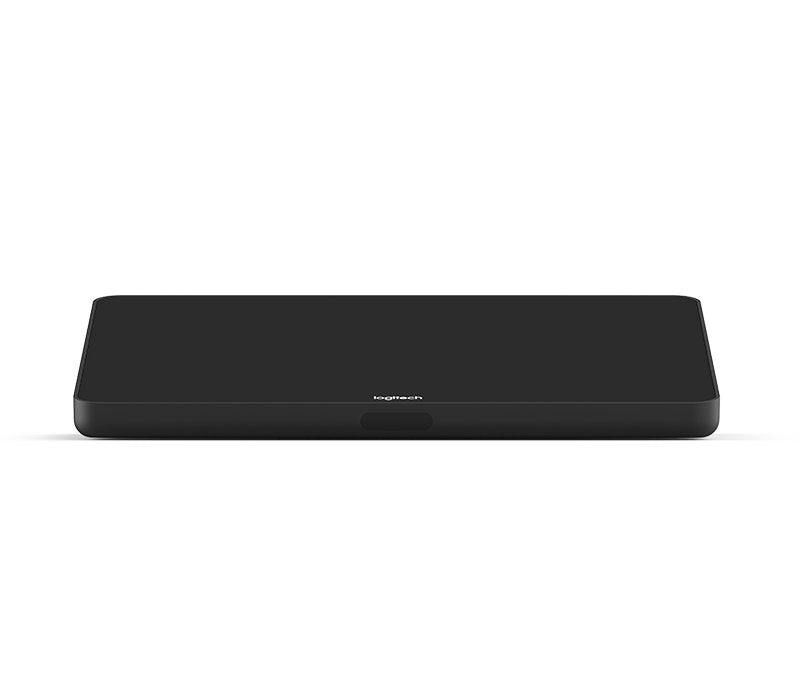
- Always-On Readiness: Built-in motion sensor activates the device automatically, while the low-profile design fits neatly on tables or walls.
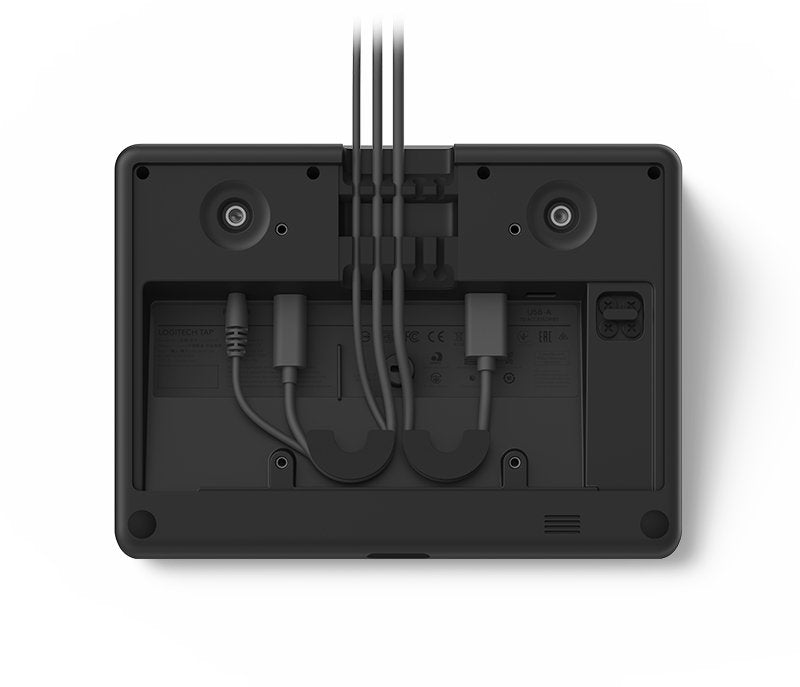
- Accessory-Friendly: USB-A port for connecting speakerphones or other peripherals, plus a 3.5mm headphone jack for private audio options.
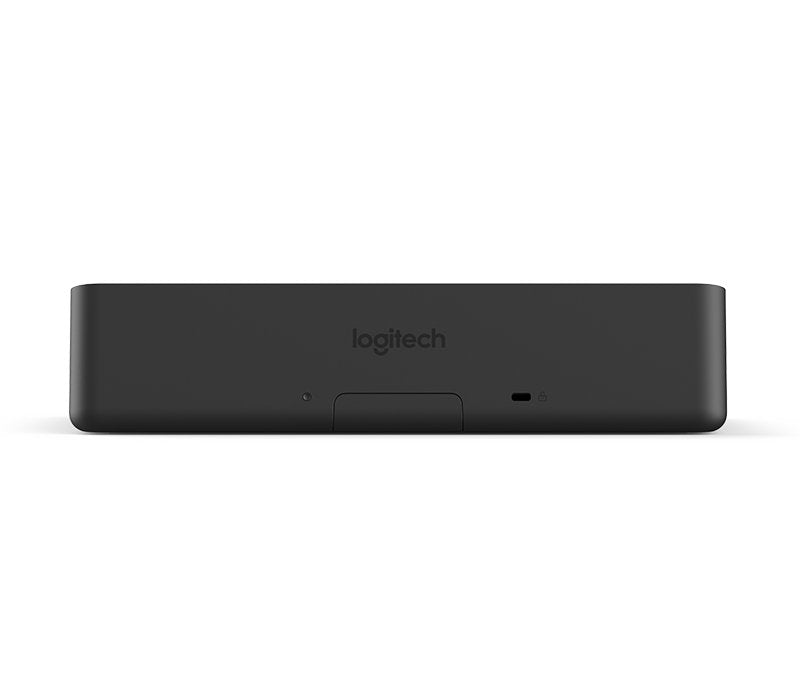
- Secure and Manageable: Dual Kensington Lock slots for theft prevention, and compatibility with Logitech Sync for remote monitoring – a must for IT teams overseeing multiple sites.
Comparison to Similar Models
When choosing a touch controller, it's helpful to weigh options within Logitech's lineup first, then look at competitors. Here's a quick breakdown based on our hands-on experience:
| Feature/Model | Logitech Tap (939-001950) | Logitech Tap IP (952-000088) | Crestron TSS-770 Touch Screen |
|---|---|---|---|
| Connectivity | USB with Cat5e Kit (up to 131 ft) | PoE Ethernet or Wi-Fi | IP-based with PoE |
| Screen Size | 10.1" anti-glare touchscreen | 10.1" anti-glare touchscreen | 7" capacitive touchscreen |
| Compatibility | Teams, Zoom, Meet (PC/Appliance) | Teams, Zoom (Appliance only) | Broad UC platforms via custom config |
| Key Advantage | Bundled cabling for easy USB setups; HDMI sharing | Wireless flexibility; no PC tether | Smaller footprint; advanced scheduling |
| Drawback | Requires dedicated PC | No headphone jack; higher price | More complex setup; less intuitive UI |
| Price Range (MSRP) | $1,099 | $699–$749 | $1,200+ |
| Best For | Budget-conscious fixed rooms | Network-managed appliance rooms | Enterprise with heavy customization |
The Tap edges out its IP sibling for USB-based environments, offering more ports at a similar cost. If Logitech isn't a fit, the Crestron provides robust alternatives but often requires pro installation – chat with our experts for a tailored recommendation.
Technical Specifications
- Dimensions: 2.28 in (H) x 9.6 in (W) x 7.0 in (D); Weight: 2.76 lbs
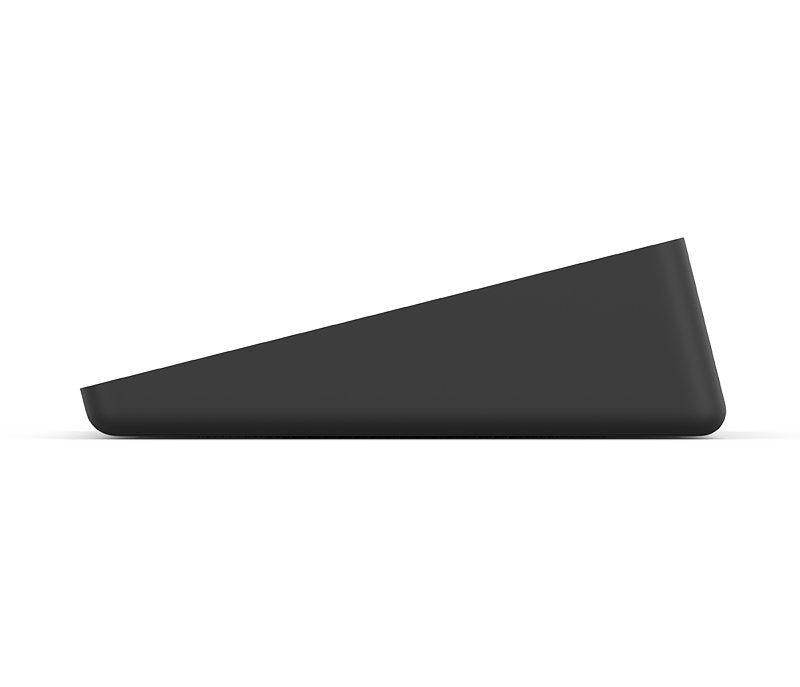
- Display: 10.1" diagonal, 1280 x 800 resolution, 14° angle, capacitive touch with oleophobic/anti-glare coating
- Ports: USB Type C (to PC), USB 2.0 Type A (accessories), HDMI 1.4a input (content sharing), 3.5mm headset jack
- Connectivity: Cat5e Kit with 9.7 ft and 22 ft cables; Max combined length: 131 ft
- Power: 100-240V supply with international adapters
- Sensors: PIR motion sensor for auto-wake
- Compatibility: Windows 10+, ChromeOS 80+, Logitech CollabOS; Certified for Google Meet, Microsoft Teams Rooms, Zoom Rooms
- Mounting: VESA 100x100mm; Compatible with table, riser, or wall mounts (sold separately)
- Warranty: 2-year limited hardware; Extendable to 3 years
- In the Box: Tap Controller, Cat5e Kit (Receiver, Transceiver, Power Supply, Cables), HDMI Cable (6.6 ft), VESA Screws, Microfiber Cloth, Documentation