



Description
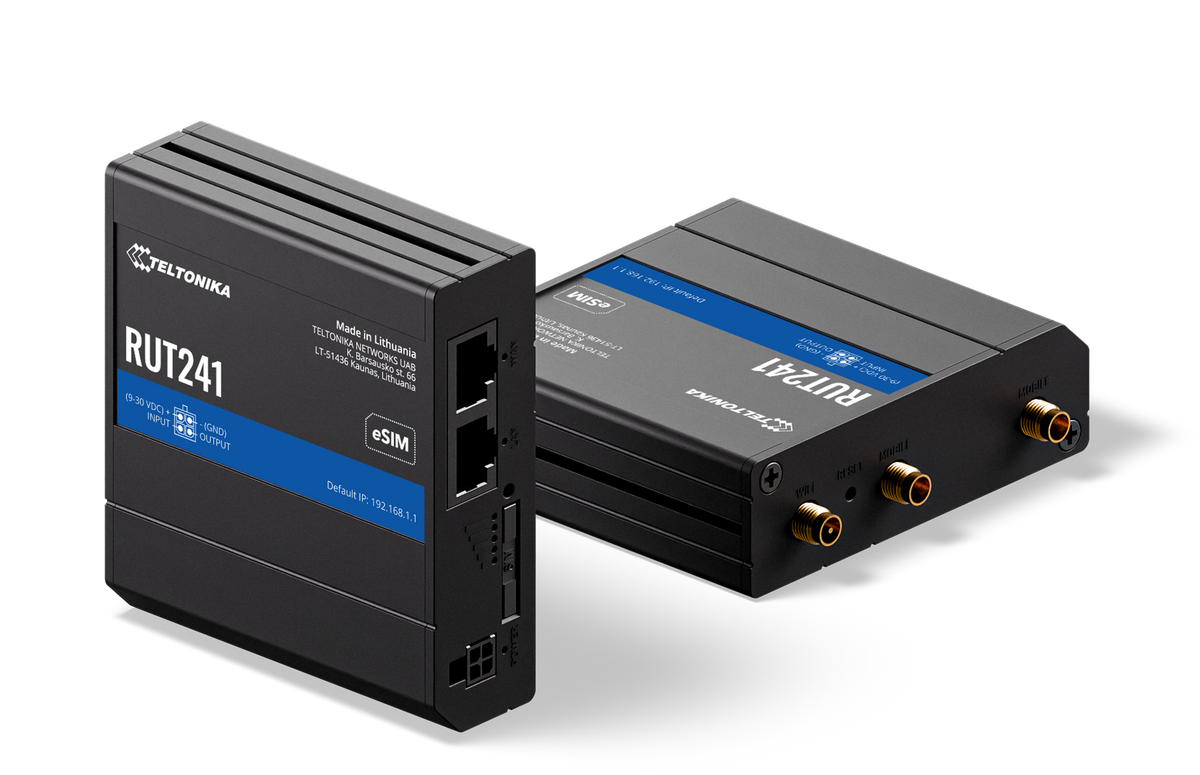
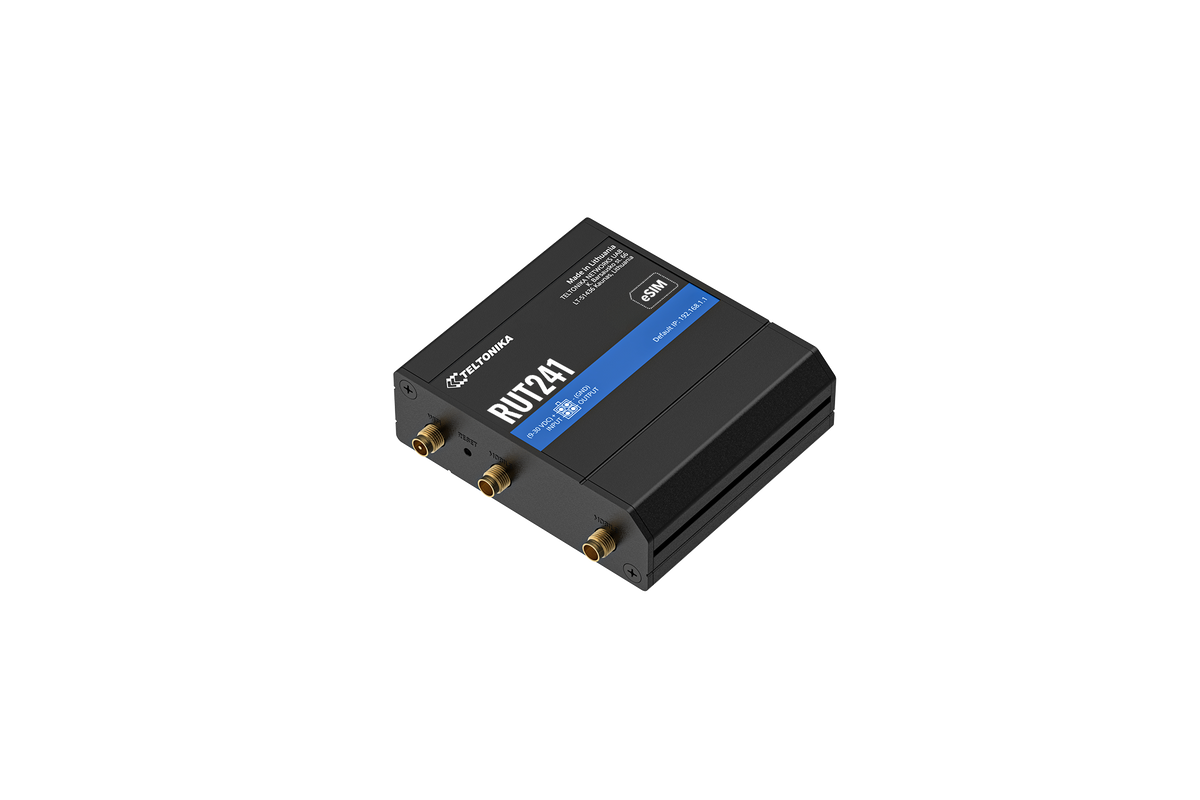
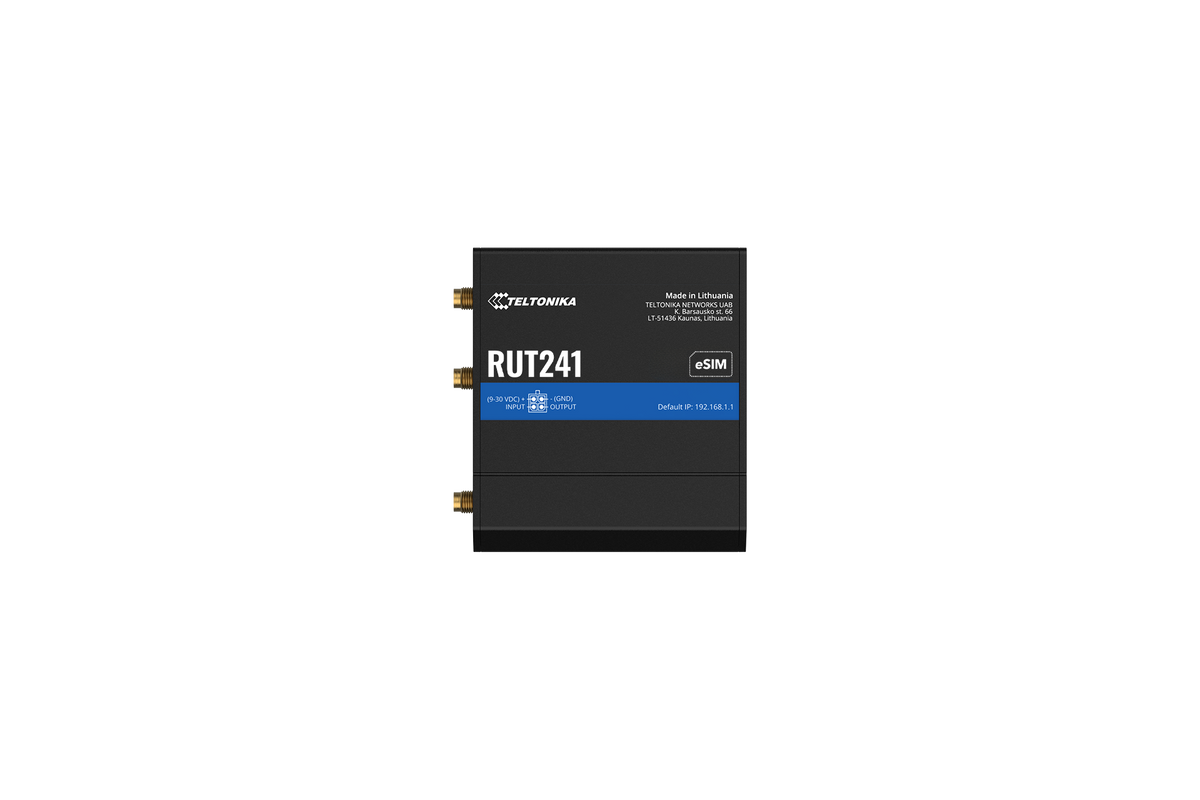
The Teltonika RUT241 (RUT241098000) is a compact LTE Cat 4 router for small sites that need a primary cellular connection or an automatic backup when the wired line drops. It fits two Ethernet ports, 2.4 GHz Wi-Fi with hotspot support, digital I/O, and RMS cloud management into a palm-size 83 x 25 x 74 mm housing.
That makes it a natural fit for POS counters, kiosks, digital signage, vending cabinets, and small branch closets. It draws only a few watts and runs from -40°C to +75°C, so it also handles unheated cabinets and remote IoT enclosures.
The Telecom Spot Take
We like the RUT241 for single-location jobs where space and power are tight: a payment counter, a kiosk, a signage player, or a small office that needs LTE failover. Average draw is about 1.3 W idle with mobile data on and about 3.3 W at full load, so it runs cool. It is not ideal if you need a second SIM for carrier redundancy, more than two wired devices, or 5 GHz Wi-Fi. For those jobs, choose the dual-SIM, four-port RUT951.
Key Features
- LTE Cat 4 cellular with 3G fallback: Gives a small site a full cellular connection, so you are not stuck waiting on a wired install before opening day.
- Automatic WAN failover: If your cable, fiber, or DSL line fails, traffic moves to cellular automatically. Card payments, VoIP calls, and cloud apps stay online without anyone touching the router.
- Two RJ45 Ethernet ports: Use one port as WAN from your ISP modem and one as LAN for a POS terminal or switch, or run both as LAN on a cellular-only site.
- 2.4 GHz Wi-Fi with hotspot: Connect a tablet, handheld scanner, or a few laptops, or set up a hotspot for guests.
- Digital input and output: One digital input and one digital output on the 4-pin power connector let the router react to a sensor or switch an external relay for simple automation.
- RMS and RutOS management: Configure locally over the HTTPS WebUI or SSH, send SMS commands with an active SIM, and adopt the router into Teltonika RMS to monitor and update many sites from one dashboard.
- Industrial build, low power: Rated for -40°C to +75°C and 10% to 90% humidity (non-condensing), with average power draw between roughly 1 W and 3.3 W.
Technical Specifications
| Specification | Detail |
|---|---|
| Brand / model | Teltonika RUT241 |
| Order code / SKU | RUT241098000 |
| Cellular | 4G LTE Cat 4 with 3G fallback |
| SIM | 1 x SIM slot |
| Ethernet | 2 x RJ45 |
| Wi-Fi | 2.4 GHz access point with hotspot functionality |
| I/O | 1 x digital input, 1 x digital output (on the 4-pin power connector) |
| WAN failover | Automatic |
| Management | HTTPS WebUI, SSH, SMS utilities (active SIM required), Teltonika RMS |
| LED indicators | Power, 2G/3G/4G network type, signal strength, Ethernet activity |
| Bundled power adapter | 100-240 VAC input; 9 VDC, 1 A output; 4-pin plug |
| Average power draw | About 1.1 W idle (no SIM); 1.3 W idle with mobile data on; 3.3 W with heavy LTE, Wi-Fi, LAN, and CPU load |
| Housing dimensions | 83 x 25 x 74 mm (without antenna connectors and screws) |
| Weight | 130 g |
| Operating temperature | -40°C to +75°C |
| Operating humidity | 10% to 90% (non-condensing) |
| HS / HTS code | 851762 / 8517.62.00 |
What's in the Box
- RUT241 router
- 9 W power supply
- 2 x mobile antennas (swivel, SMA male)
- 1 x Wi-Fi antenna (swivel, RP-SMA male)
- Ethernet cable (1.5 m)
- SIM adapter kit
- Quick Start Guide
Box contents can vary by order code. If a specific plug type or accessory matters for your install, ask us to confirm before you order.
Best For, Use Cases and Setup Tips
Best for: retail POS and payment terminals, self-service kiosks, digital signage, small offices that need LTE backup, and remote IoT cabinets that need a low-power cellular link.
Not ideal for: sites that need two carriers for redundancy, more than two wired devices without adding a switch, 5 GHz Wi-Fi, or 5G speeds.
- First login: Browse to 192.168.1.1, sign in as admin with the password printed on the device label, then set a new password of at least 8 characters with an uppercase letter, a lowercase letter, and a digit. A setup wizard walks you through the main settings.
- Antenna placement: After setup, check Status → Network for signal strength and adjust the antennas or the router location for the best reading.
- Harsh sites: In high-vibration spots, apply a thin layer of dielectric grease to the SIM contacts. For extreme temperatures, humid or corrosive air, or hard-to-reach sites, use an industrial-grade SIM card.
- Security: Update RutOS to the latest stable firmware and mount the router in a secure, ventilated spot away from direct sunlight and heat sources.
Comparison at a Glance
| Model | SIM | Ethernet | Extras | Housing |
|---|---|---|---|---|
| RUT241 | 1 SIM | 2 x RJ45 | 2.4 GHz Wi-Fi, 1 DI / 1 DO | 83 x 25 x 74 mm |
| RUT951 | 2 SIM | 4 x RJ45 | 2.4 GHz Wi-Fi, 1 DI / 1 DO, Class I Div 2 rated | 110 x 50 x 100 mm |
| RUT956 | 2 SIM | 4 x RJ45 | 2.4 GHz Wi-Fi, RS-232, RS-485, GNSS, USB, Class I Div 2 rated | 109.5 x 50 x 100 mm |
FAQ
Does this RUT241 have eSIM?
This listing is the physical-SIM order code RUT241098000. eSIM works only on dedicated RUT241 eSIM order codes, so contact us if your project needs eSIM.
Can the RUT241 back up my wired internet?
Yes. Automatic WAN failover switches traffic to the cellular connection when your primary WAN goes down, and you set the failover rules in the WebUI.
How much power does it use?
Average draw is about 1.3 W idle with mobile data on and about 3.3 W under heavy load, which makes it easy to run on a small DC supply.
Can I manage it remotely?
Yes. Adopt the router into Teltonika RMS with its credentials to monitor and configure it remotely. You can also use SSH, the HTTPS WebUI, or SMS commands with an active SIM.
What temperatures can it handle?
-40°C to +75°C, with 10% to 90% humidity (non-condensing). Keep it out of direct sunlight and away from heat sources.