



Description
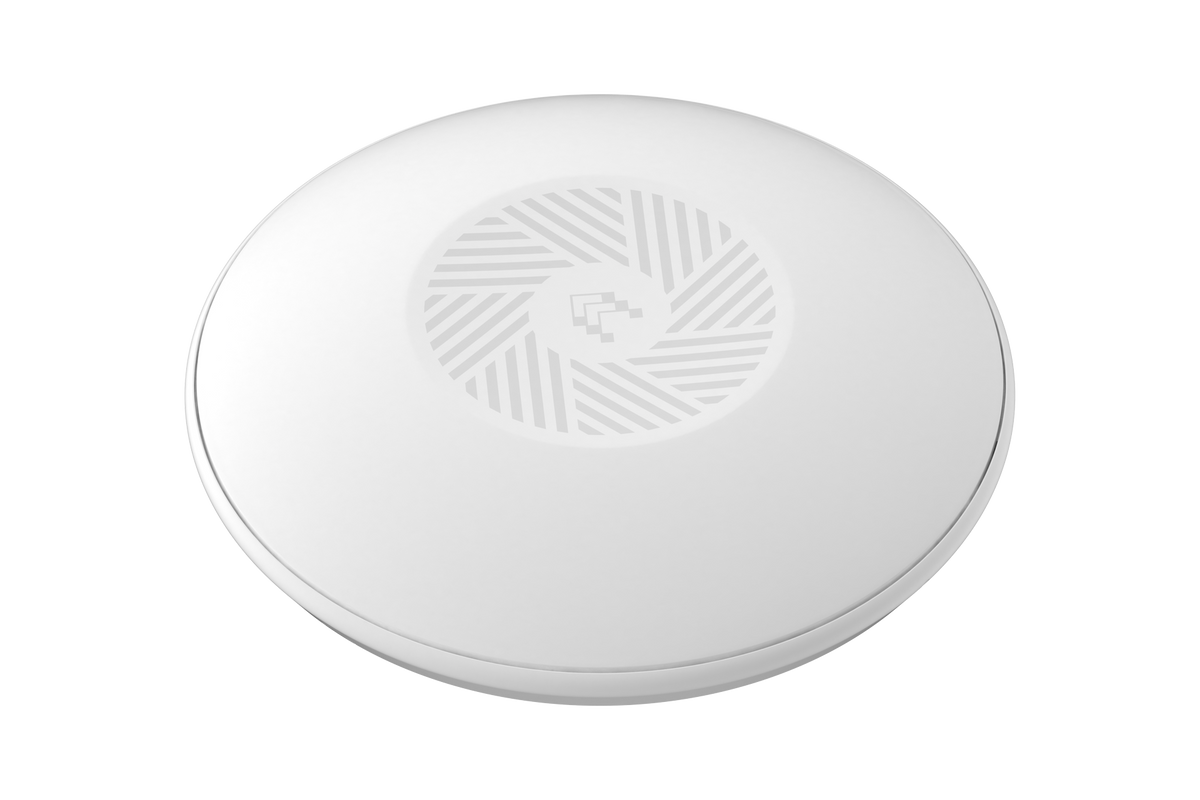
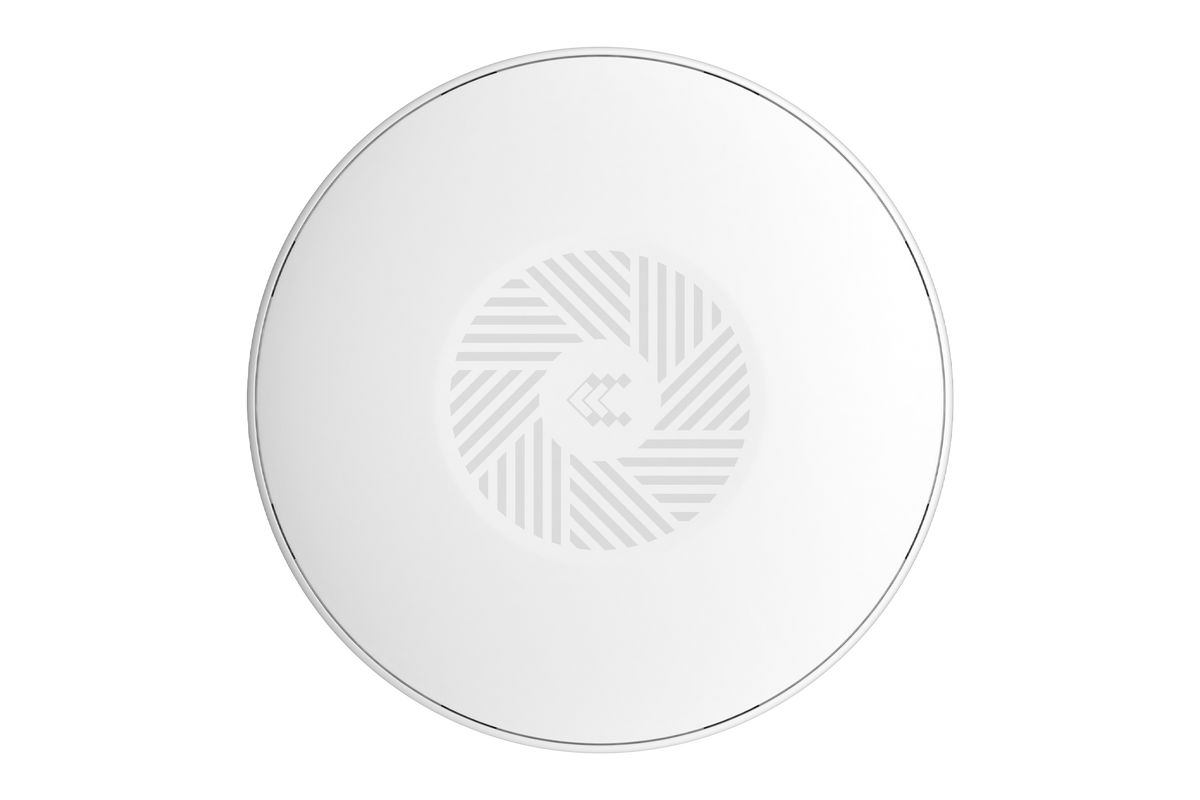
The Teltonika TAP400 (TAP400000000) is a Wi-Fi 6 access point for small and midsize businesses that want fast, efficient wireless and simple central management. A dedicated 2.5 GbE uplink keeps the wired side from becoming a bottleneck, while Fast Roaming and Mesh keep users connected as they move around the building.
It takes power over Ethernet through its single RJ45 port, and you can configure, monitor, and troubleshoot it remotely in Teltonika RMS, including a network map of your setup.
The Telecom Spot Take
The TAP400 is the access point we suggest when a busy office, shop, or clinic has outgrown older Wi-Fi. Wi-Fi 6 handles many clients more efficiently, and the 2.5 GbE uplink gives that capacity a clear path to the network. Mesh helps fill coverage gaps where running cable is hard. It is an indoor AP rated 0°C to +50°C, so it is not ideal for unheated spaces. If Wi-Fi 5 and a Gigabit uplink are enough, the TAP200 is the simpler option.
Key Features
- Wi-Fi 6: Better multi-user efficiency, so phones, laptops, and scanners share airtime more smoothly in busy spaces.
- Dedicated 2.5 GbE uplink: A faster-than-Gigabit wired link keeps Wi-Fi 6 traffic flowing to your network.
- PoE-in: One cable carries both data and power, so you can mount the AP where there is no outlet.
- Fast Roaming: Clients move between access points with less interruption, which helps VoIP calls and handheld devices stay connected.
- Mesh: Extend coverage wirelessly to areas where running Ethernet is difficult.
- Centralized RMS control: Configure, monitor, and troubleshoot every AP remotely, and visualize your layout on the RMS network map.
- Dual-band radio with three integrated antennas: 2.4 GHz and 5 GHz coverage with no external antennas to mount.
Technical Specifications
| Specification | Detail |
|---|---|
| Brand / model | Teltonika TAP400 |
| Order code / SKU | TAP400000000 |
| Wi-Fi | Wi-Fi 6, dual-band 2.4 GHz / 5 GHz |
| Max RF power | 20 dBm (2.4 GHz), 23 dBm (5 GHz) |
| Antennas | 3 x integrated omnidirectional; 2400-2500 MHz peak gain under 4.33 dBi, 5150-5850 MHz peak gain under 4.9 dBi |
| Ethernet | 1 x RJ45, 2.5 GbE uplink |
| Power | PoE-in |
| Average power draw | About 5.3-5.6 W idle; 7-7.5 W with Wi-Fi data transfer, a LAN device, and high CPU load (tested at 44-57 V) |
| Roaming and mesh | Fast Roaming, Mesh |
| Management | HTTPS WebUI, SSH, Teltonika RMS with network map |
| Housing dimensions | 158 x 31.4 x 158 mm |
| Weight | 279 g |
| Operating temperature | 0°C to +50°C |
| Operating humidity | 10% to 90% (non-condensing) |
| HS / HTS code | 851762 / 8517.62.00 |
What's in the Box
- TAP400 access point
- Quick Start Guide
- Wi-Fi information sticker
There is no PoE injector or power supply in the standard box. Plan a PoE source, such as a PoE switch port or a separate injector. Contents can vary by order code, so ask us if you want a PoE source quoted with the AP.
Best For, Use Cases and Setup Tips
Best for: busy offices, retail stores, clinics, classrooms, and hospitality spaces with many wireless clients; multi-AP sites that need roaming; and teams that already manage Teltonika routers or switches in RMS.
Not ideal for: unheated or outdoor spaces below 0°C or above +50°C, or small sites where a Wi-Fi 5 AP like the TAP200 already covers the need.
- Uplink: To get the full benefit of the 2.5 GbE port, connect it to a switch port that supports 2.5 GbE.
- Power budget: Plan about 7.5 W of PoE per AP at peak when you size your PoE switch budget.
- First setup: Join the TAP400 wireless network shown on the Wi-Fi information sticker, then sign in to the WebUI and change the default password right away.
- Roaming: Enable Fast Roaming across all APs on the same network so VoIP and handheld devices hand off cleanly.
- Firmware: Update to the latest stable firmware before you put the AP into service.
Comparison at a Glance
| Model | Wi-Fi | Uplink | Roaming / mesh | Operating temp. |
|---|---|---|---|---|
| TAP400 | Wi-Fi 6, dual-band | 2.5 GbE, PoE-in | Fast Roaming, Mesh | 0°C to +50°C |
| TAP200 | Wi-Fi 5 Wave-2, dual-band 802.11 b/g/n/ac | Gigabit, PoE-in | Fast roaming | -40°C to +50°C |
FAQ
What uplink speed does the TAP400 support?
It has a dedicated 2.5 GbE RJ45 uplink.
How is the TAP400 powered?
Through PoE-in on its RJ45 port. Plan a PoE switch port or an injector, since none comes in the box.
Can I manage several TAP400s together?
Yes. Teltonika RMS lets you configure, monitor, and troubleshoot multiple APs remotely and see them on a network map.
Does it support mesh?
Yes. Mesh extends coverage wirelessly, and Fast Roaming helps clients move between APs smoothly.
Can I install it outdoors?
It is rated 0°C to +50°C and 10% to 90% humidity (non-condensing), so plan an indoor, dry location.