


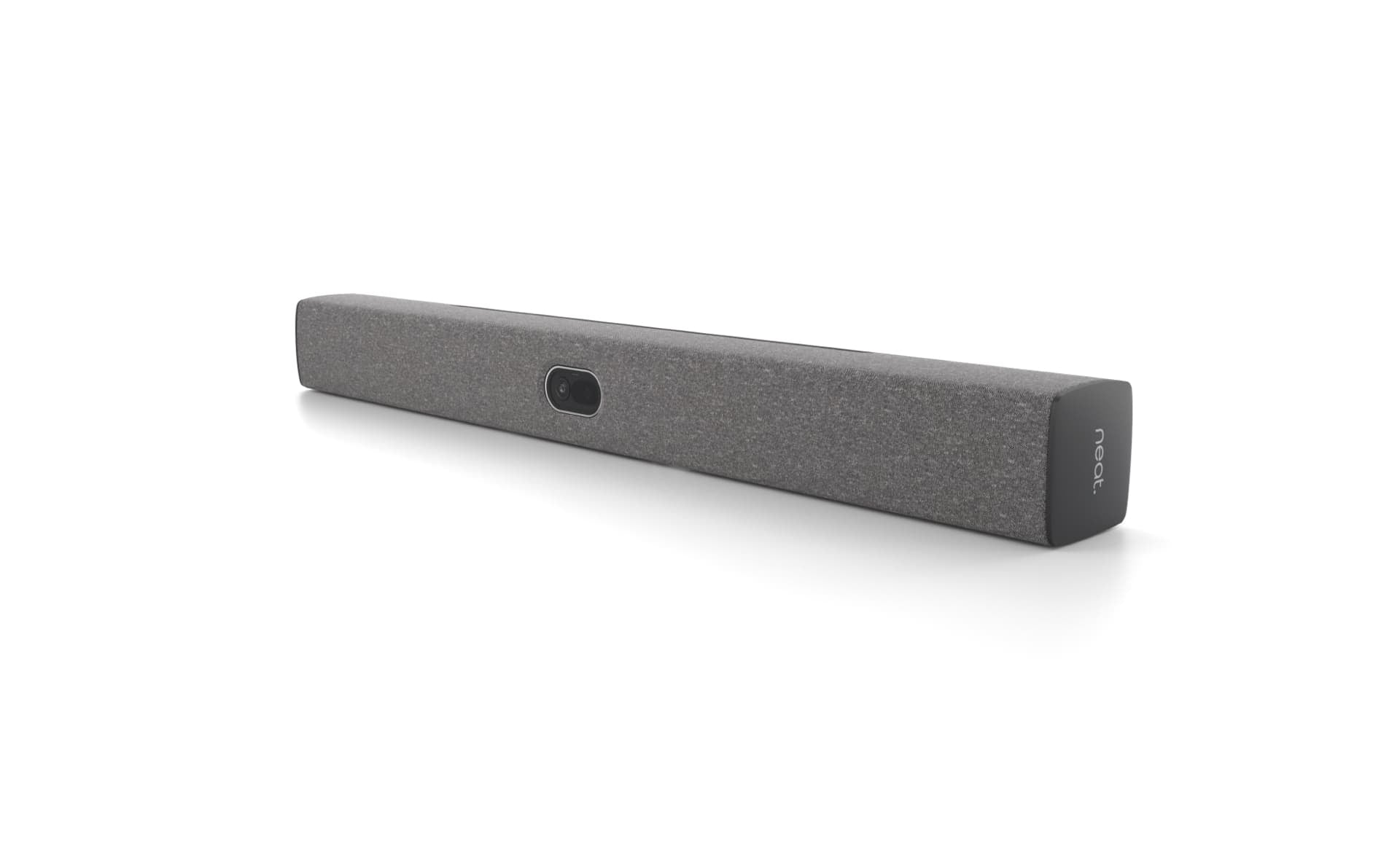


Description
The Neat Bar 2 (NEATBAR2-SE) is a streamlined all-in-one video bar built for medium meeting spaces. It combines a high-resolution camera, multi-mic array, speakers, sensors, and processing in one clean unit so our customers can run clear meetings without extra clutter or complex cabling. Flexible mounting options and dual-screen support help teams keep natural eye contact and see content clearly.
Note: Neat Pad controller is required separately for setup and operation and is not included in the box.
To use Microsoft Teams or Zoom natively on Neat Bar Gen 2, a Neat Pad is required to control your meetings. A single USB-C cable enables BYOD mode so a personal device can run the meeting platform while using the Bar’s camera, mics, and speakers.
The Telecom Spot Take
For IT directors and facilities managers equipping small-to-medium conference rooms, the Neat Bar 2 stands out because its 50MP sensor and on-device processing handle framing and audio adjustments without relying on the cloud. The dual opposing drivers and 5-mic array focus on natural voice pickup and low distortion, which matters in rooms with mixed acoustics. BYOD mode lets visitors run meetings from their own laptop with no extra controller needed. For dedicated native Microsoft Teams or Zoom Rooms deployments, pairing with a Neat Pad provides the required meeting control. This flexibility makes it a practical choice for businesses that want reliable performance and clear deployment options rather than a pile of separate components.
Key Features
- Wide-angle 50MP camera with 113° horizontal field of view and 4x digital zoom captures the full room and frames multiple people automatically so participants stay visible without manual adjustments.
- Adaptive group framing, dynamic individual framing, and dynamic speaker focus keep the view natural as conversations move.
- Five-microphone end-fire array plus four voice-localization tracking mics with beamforming, echo cancellation, deep noise suppression, and dereverberation deliver clear speech while reducing background noise.
- Dual opposing full-range drivers cancel vibration and provide a wide tonal range with minimal distortion so voices sound natural.
- Dual 4K screen support lets teams display people and content side-by-side for sharper collaboration.
- Native support for Zoom Rooms and Microsoft Teams Rooms on Android (requires Neat Pad for meeting control).
- Wireless sharing for Google Meet, Microsoft Teams, or Zoom.
- Single USB-C BYOD mode lets a personal device run the meeting with no meeting controller required; HDMI input also supports content sharing.
- On-device hardware-accelerated audio and video processing adapts to room acoustics, lighting, and people movement.
- Wake-up, ambient light, and orientation sensors plus automatic sleep mode help conserve energy when the room is empty.
- Flexible mounting (table, wall, above/below screen, snap-on) and Kensington lock slot give facilities teams placement options and security.
Technical Specifications
Camera
- Sensor: 50 MP, ƒ/2.8 aperture
- Field of view: 113° horizontal
- Zoom: 4x digital
- Lens: Fixed, infinite focus
- People video resolution: Up to 1080p / 30
- Content video resolution: 720p / 60 or 1080p / 30
- Features: Distortion correction, noise reduction, chromatic aberration correction, automatic white balance and color correction, automatic people framing, hardware-accelerated encode/decode
Audio
- Microphones: 5-microphone end-fire array + 4 tracking mics
- Processing: Beamforming, voice tracking, echo cancellation, noise suppression, automatic gain control, dereverberation, voice enhancement
- Speakers: Dual opposing full-range drivers for vibration cancellation
Connectivity & Platforms
- Dual HDMI outputs for up to two 4K displays
- HDMI input for content sharing
- USB-C for BYOD / USB passthrough mode (no meeting controller required when using a personal device)
- Ethernet (RJ45)
- Wi-Fi
- Bluetooth (for wireless sharing and proximity join)
- Native Zoom Rooms and Microsoft Teams Rooms on Android (Neat Pad required for native experience and meeting control)
- Wireless sharing for Google Meet, Microsoft Teams, or Zoom
Sensors & System
- Orientation sensor (accelerometer)
- Ambient light sensor
- Wake-up sensor
- Secure boot
- Kensington lock slot
- Tripod mount compatible (1/4-20 UNC)
Physical & Power
- Dimensions: 25.59 × 2.76 × 2.76 in (650 × 70 × 70 mm)
- Weight: 3.75 lb (1.7 kg)
- Power: Built-in supply, 100–240 V ~ 50/60 Hz 0.5 A
- Network standby: < 8 W (after 20 minutes)
- Operating temperature: 32° to 95° F (0° to 35° C)
- Storage temperature: –4° to 140° F (–20° to 60° C)
- Relative humidity: 10% to 90%
What’s Included in the Box
- Neat Bar 2 (NEATBAR2-SE)
- HDMI cable (6.5 ft / 2 m)
- Ethernet cable (9.8 ft / 3 m)
- Power cord (9.8 ft / 3 m)
- Table stand
- Wall mount
- Snap-on mount
- Mount adapter
- Screen mount
- Quick Start Guide
- Mounting hardware
*Optional Accessory: VESA Screen mount
Comparison at a Glance
- Versus basic USB video bars: Neat Bar 2 adds native Zoom/Teams room support (with Neat Pad), dual 4K outputs, and on-device framing/audio processing instead of relying solely on a laptop.
- Versus higher-end bars with more microphones or larger speakers: Neat Bar 2 focuses on a compact form factor, 50MP camera, and dual-screen capability suited to medium rooms rather than large spaces.
- Versus first-generation Neat Bar: Generation 2 upgrades to a 50MP sensor, improved processing platform, and refined dual opposing drivers while remaining compatible with earlier mounts.
FAQ
Does the Neat Bar 2 work with Zoom and Microsoft Teams?
Yes. It offers native support for Zoom Rooms and Microsoft Teams Rooms on Android with the optional Neat Pad. Wireless sharing is also available for Google Meet, Microsoft Teams, or Zoom. The Neat Bar 2 will function in BYOD mode without the Neat Pad.
Can it drive two displays?
Yes. Dual screen support allows connection of up to two 4K screens for dedicated room use.
Is BYOD supported?
Yes. A single USB-C cable enables BYOD mode so a personal device can run the meeting platform while using the Bar’s camera, mics, and speakers. If you’re using a personal device connected in BYOD mode, you don’t need a meeting controller.
What mounting options are available?
Table stand, wall mount, snap-on mount, above or below screen placement, and tripod compatibility (1/4-20) are all supported. Mounts are included in the box.
Does it need a separate controller?
If you’re using a personal device connected in BYOD mode, you don’t need a meeting controller. However, to use Microsoft Teams or Zoom natively on Neat Bar Gen 2, a Neat Pad is required to control your meetings. When ordering the SKU: NEATBAR2-SE, it will ask for a Neat Pad for setup initially.
What power and network connections does it use?
It has a built-in power supply (100–240 V) and supports Ethernet plus Wi-Fi. Standby power is under 8 W after 20 minutes.