




Description
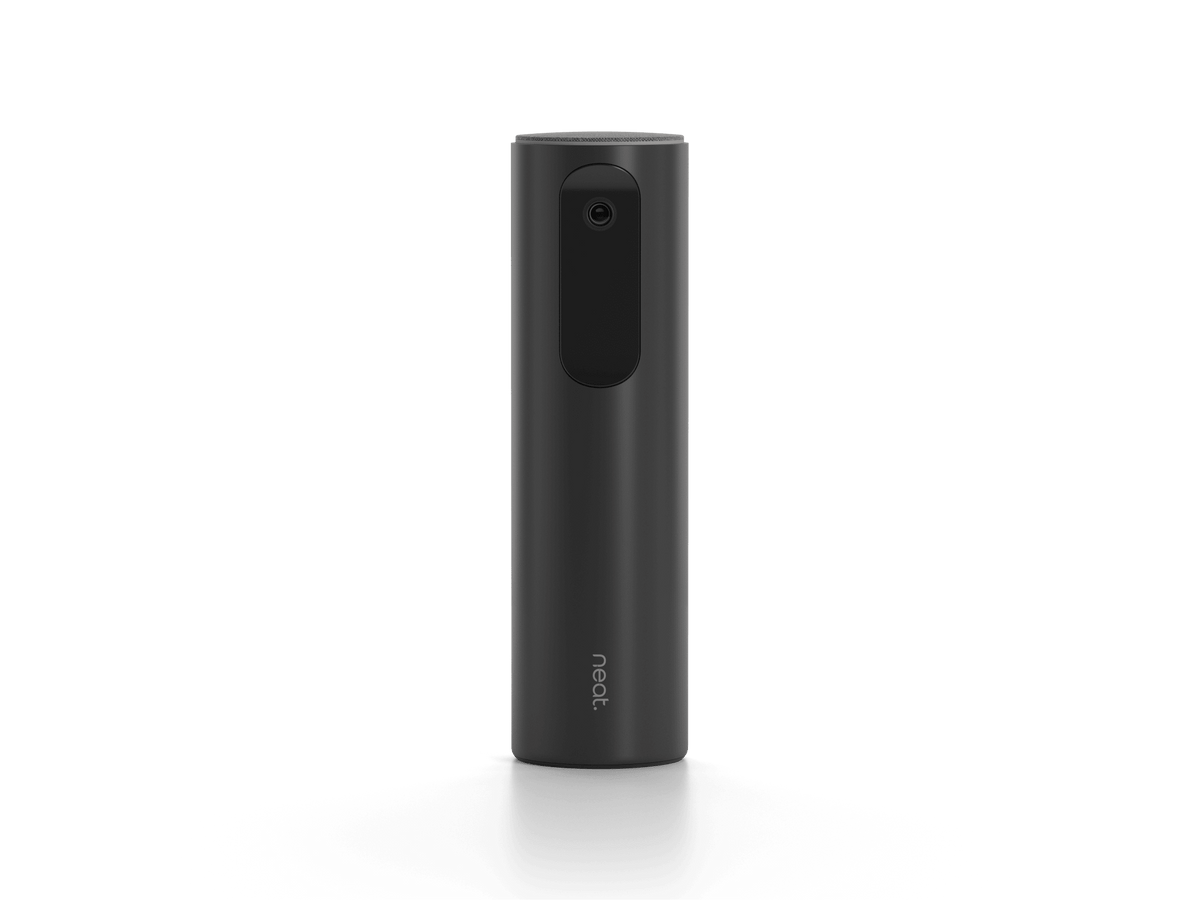
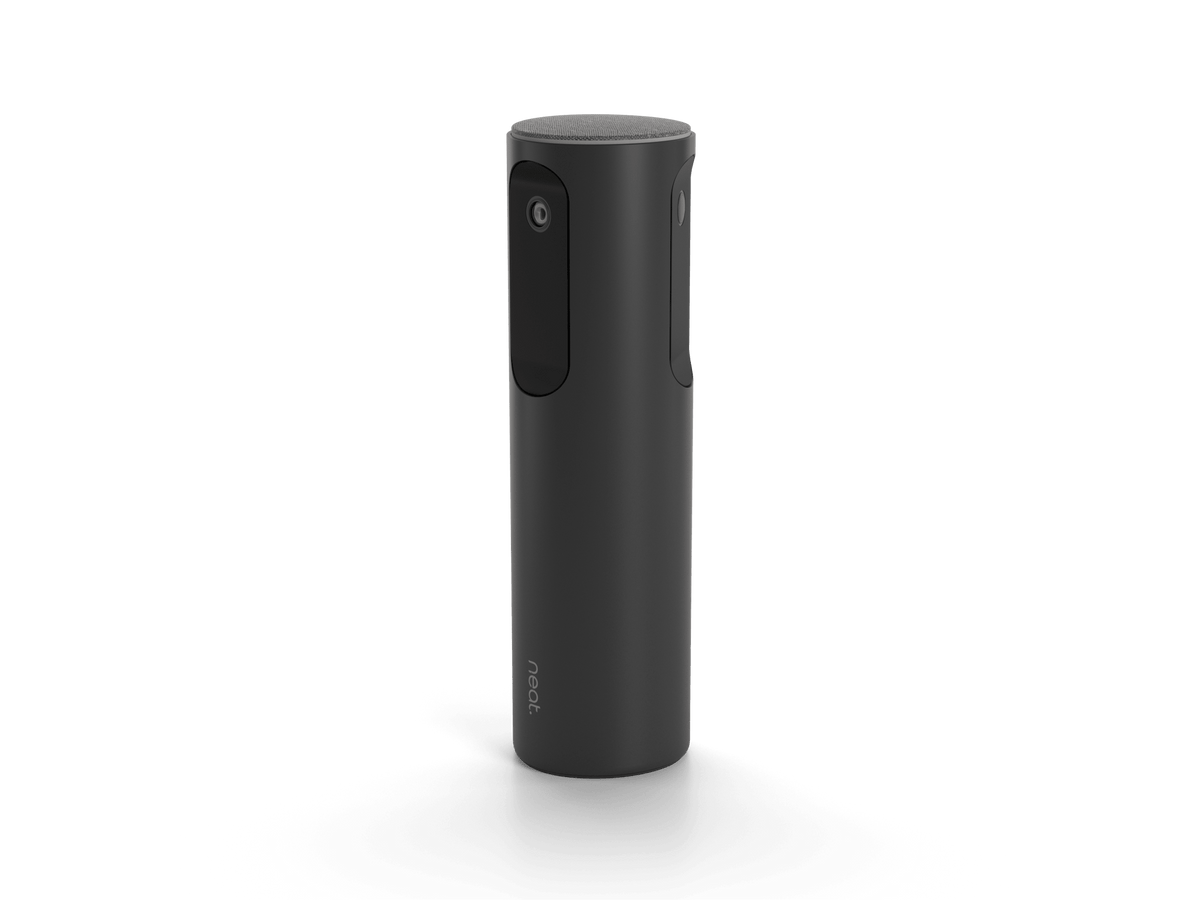
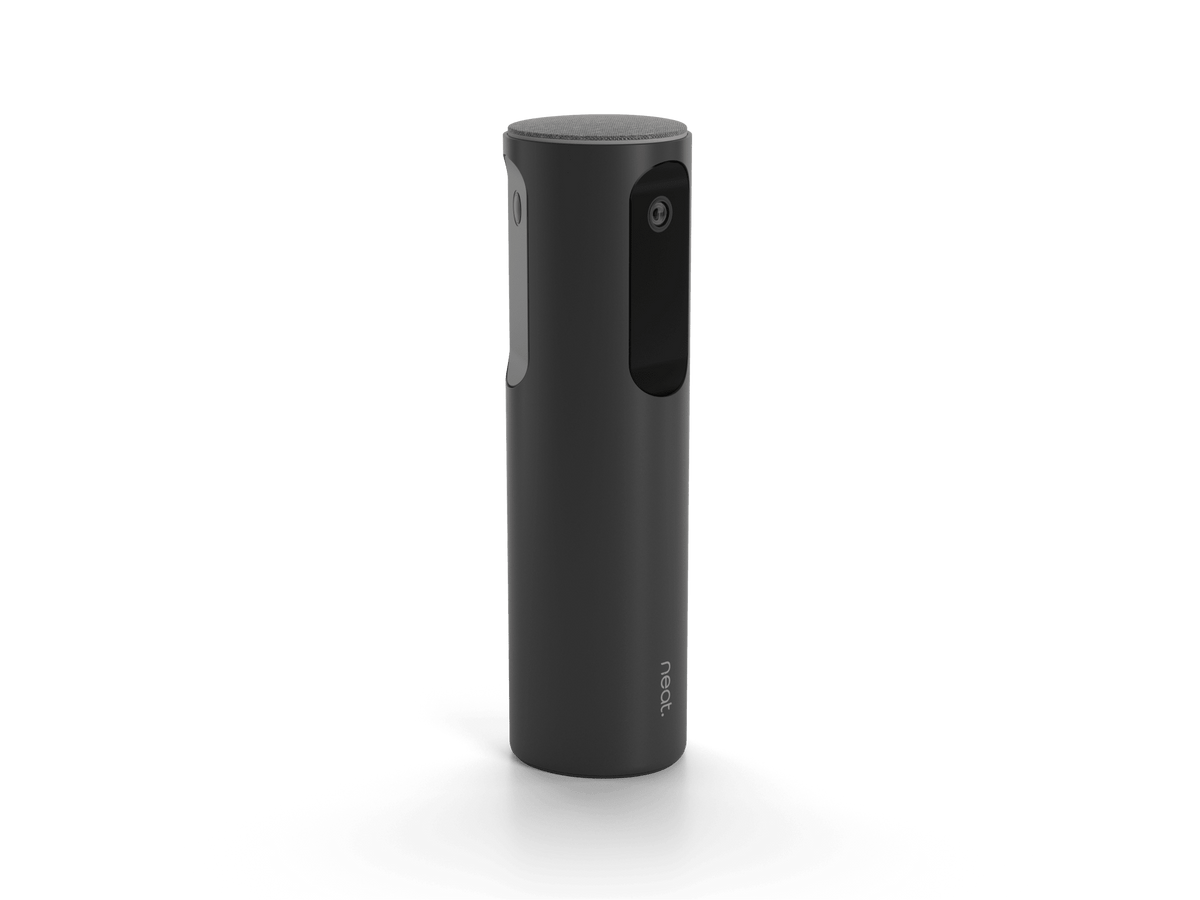
Remote attendees miss half the meeting when people turn toward the table. Neat Center is the companion camera and room-audio device that sits in the middle of that conversation. Three 8 MP cameras cover a full 360° view. A 16-microphone beamforming array picks up voices from every seat. It pairs over the network with a front-of-room Neat Bar or Neat Board, then switches audio automatically to whichever device hears the talker more clearly. One PoE cable. Table, ceiling, or tripod. Built for Zoom Rooms and Microsoft Teams Rooms that already run on Neat.
The Telecom Spot Take
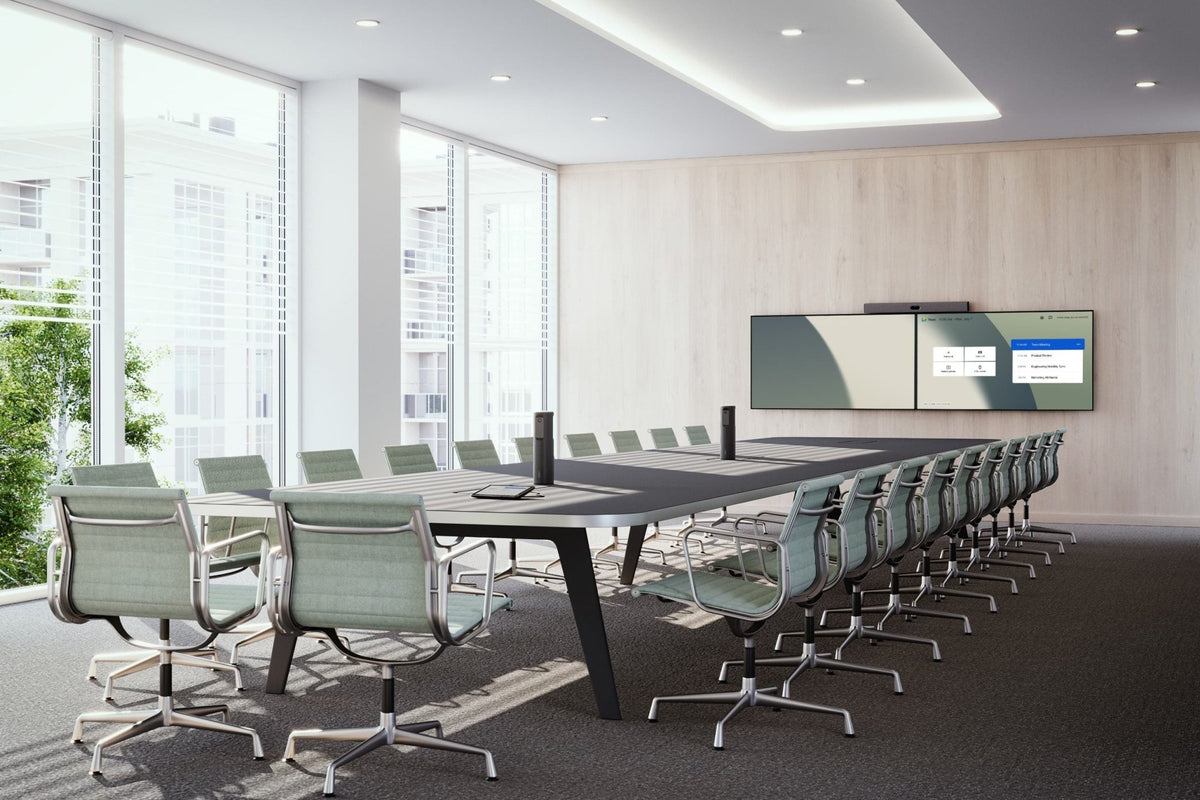
Neat Center is not a standalone room system. It is the add-on our customers use when a wall-mounted Bar or Board already handles the front of the room, but side conversations still leave remote staff looking at the back of someone’s head. Individual framing and automatic audio switching are the practical wins. Facilities and IT teams get one Ethernet drop, included table and ceiling hardware, and pairing from the existing Neat Pad or Board settings. Best fit: medium and larger hybrid rooms on Neat OS 24.2.0 or later, especially Gen 2 Bar Pro / Board 50 / Board Pro spaces that can add a second Center later.
Key Features
- 360° view from three 8 MP cameras. Each lens covers 162° horizontally. Together they give remote attendees a face-on look when in-room people talk to each other instead of the display.
- Individual people framing. Automatic framing and up to 4x adaptive digital zoom help keep each person in a usable tile, not a wide empty table shot.
- 16-microphone beamforming array. Omnidirectional pickup with echo cancellation, noise suppression, automatic gain control, and dereverberation. Audio switches between Center and the main Neat device based on where voices come from.
- One-cable PoE setup. Power and network share a single Ethernet connection. Pairing happens over the network from the main Neat device settings. No extra USB run to a PC.
- Flexible mounting. Freestanding on the table, fixed to the table for hidden or exposed cable routing, ceiling-hung to clear the tabletop, or 1/4-20 UNC tripod mount for ad hoc placement.
- Clear status at a glance. LED status ring plus an orientation sensor (accelerometer) so the unit knows how it is mounted.
- Room security basics. Kensington-compatible lock slot. USB-C port is for debug only.
Technical Specifications
| Category | Specification |
|---|---|
| Model / SKU | Neat Center / NEATCENTER-SE |
| Product type | Companion 360° conference camera and room audio device |
| Cameras | 3 × 8 MP, ƒ/2.4 aperture |
| Field of view | 360° combined; 162° horizontal per camera (91° vertical at camera center per Neat space design data) |
| Zoom | Adaptive digital zoom up to 4x |
| Depth of field | 0.8 ft (25 cm) to infinity |
| People video | Up to 1080p / 30 |
| Video processing | Hardware-accelerated encoding, automatic people framing, distortion correction, noise reduction, automatic white balance and color correction |
| Microphones | 16-element circular beamforming array |
| Audio processing | Hardware-accelerated; echo cancellation, noise suppression, automatic gain control, dereverberation |
| Pickup / framing coverage | Up to about 16.4–16.5 ft (5 m) radius (room-dependent); some Neat sheets also list 9.8 ft (3 m) as the distance for optimal image quality |
| Speakers | None (audio playback stays on the main Neat device) |
| Privacy shutter | None |
| Indicators / sensors | LED status ring; orientation sensor (accelerometer) |
| Security | Kensington-compatible lock slot |
| Power | PoE/Ethernet; idle 2 W; in a call 6–9 W |
| Operating environment | 32° to 95°F (0° to 35°C); storage −4° to 140°F (−20° to 60°C); 10–90% relative humidity |
| Networking / ports | PoE/Ethernet (RJ-45); Wi-Fi present for future use (current setup is wired); USB-C debug only. Neat support: does not support Wi-Fi operation, 802.1x, or static IP for Center pairing. IEEE 802.3af Class 0 Mode A and B. |
| Pairing | Over the network; all devices on the same wired subnet |
| Size | 11.7 × 3.3 × 3.3 in (297 × 84 × 84 mm) |
| Weight | 3.24 lb (1.47 kg) |
| Tripod | 1/4-20 UNC threads |
What’s Included
- Neat Center
- Ethernet cable, 9.8 ft / 3 m (Neat device sheet / user manual)
- Table mount
- Ceiling mount
- Quick start guide (listed in Neat setup documentation)
Not included (order separately if needed): Front-of-room Neat Bar or Neat Board and platform license (Zoom Rooms or Microsoft Teams); PoE injector / adapter (Neat POE-INJ-XX) if the switch port does not supply PoE; optional 16.4 ft / 5 m Ethernet cable; internet connection.
Compatibility
| Requirement | Manufacturer detail |
|---|---|
| Role | Companion only. Does not replace a Neat Bar or Neat Board. |
| Front-of-room devices | Neat Bar / Neat Bar 2, Neat Bar Pro, Neat Board, Neat Board 50, Neat Board Pro |
| Software | Neat OS 24.2.0 or later on the main device |
| Room modes | Zoom Rooms, Microsoft Teams Rooms, App Hub, or BYOD-only Neat room must already be set up before adding Center |
| Controller | Neat Bar deployments need a paired Neat Pad. Rooms without a Pad are not compatible with Center. |
| Network | Center, Pad, and main room device on the same wired subnet. mDNS services _neat._tcp and _neat-oob._tcp. |
| Multi-Center | Supported from Neat OS 25.4 on Generation 2 front-of-room devices (Bar Gen 2, Bar Pro, Board 50, Board Pro). Gen 1 Bar and Board: one Center per room as of OS 25.4. |
| Camera mode | Center cameras are used when the room is set to individual / auto-framing modes as described by Neat for Zoom and Teams. |
| Platforms | Works as part of the certified Neat Zoom Rooms and Microsoft Teams Rooms system. Built-in Wi-Fi is reserved for future use. |
FAQ
Does Neat Center work by itself?
No. It is a companion for a main Neat room device. You still need a Neat Bar or Neat Board, a Zoom Rooms or Microsoft Teams license (or App Hub / BYOD-only Neat room), and network connectivity.
Which rooms benefit most?
Medium and larger hybrid rooms where people sit around a table and talk to each other, not only to the display. Neat’s space design data targets table-center placement at typical conference-table height, with a circular coverage area out to about 5 m.
How is it powered and installed?
One PoE Ethernet cable. Place it freestanding, fix it to the table, hang it from the ceiling with the included hardware, or use a 1/4-20 tripod. Pair it from Device settings on the Neat Pad or Board using the serial number. The LED ring pulses when ready and stays lit when paired.
Can we use more than one Center?
Yes on Gen 2 front-of-room devices running Neat OS 25.4 or later. Gen 1 Bar and Board support one Center per room as of that OS version.
Does it have speakers or a privacy shutter?
No speakers and no privacy shutter. Playback stays on the main Neat device.
Do we need a PoE injector?
Only if the Ethernet port does not provide PoE. Neat lists an optional PoE adapter and a longer 5 m cable as accessories. Alternate injectors must meet IEEE 802.3 af/at/bt.