




Description
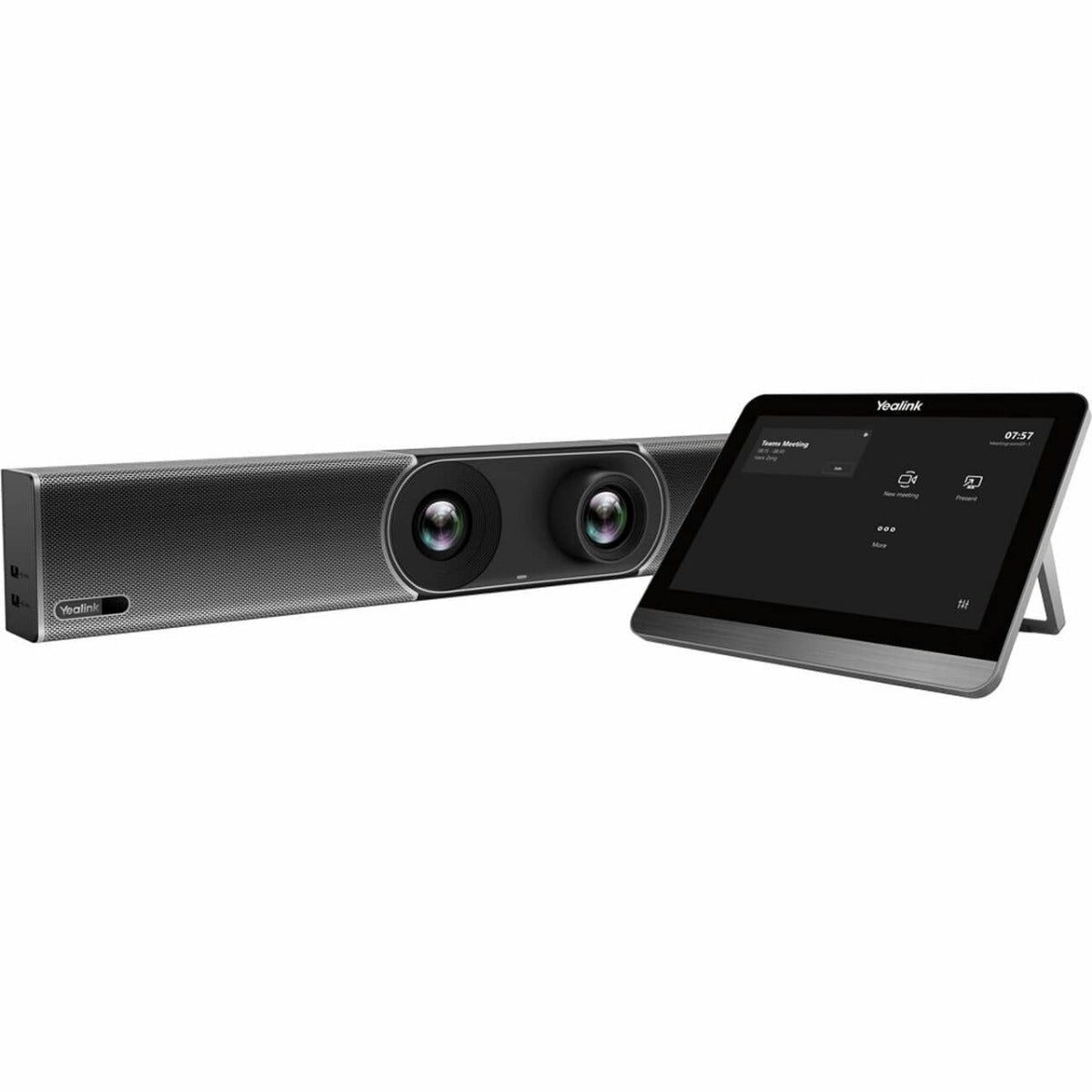
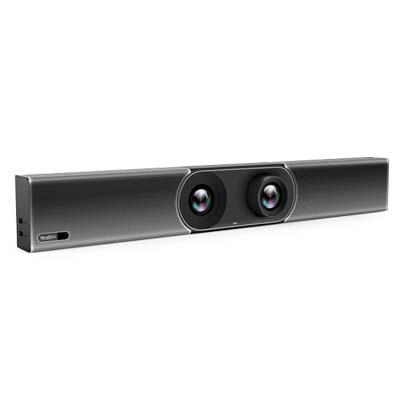
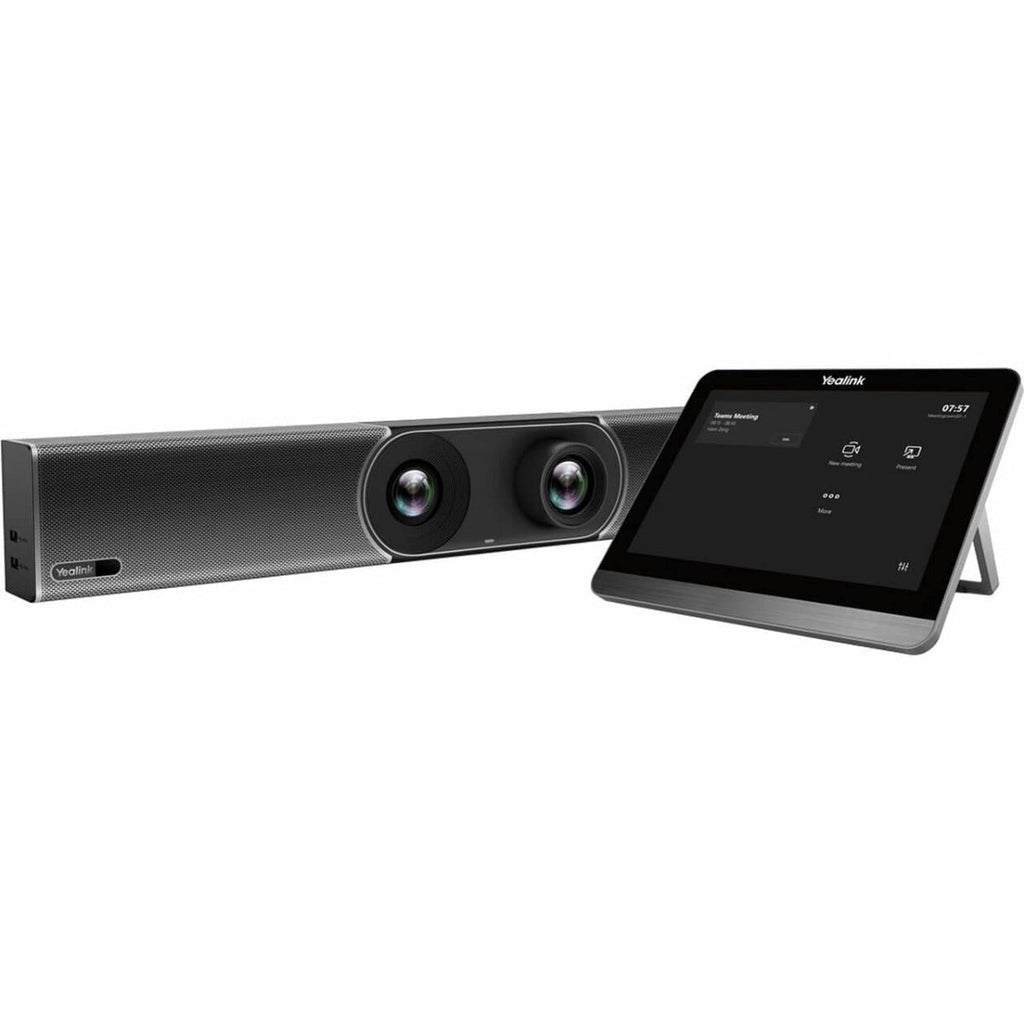
The Yealink MeetingBar A30-020 is an all-in-one Android 13-based video collaboration bar built specifically for medium-sized meeting rooms (typically seating 9–12 people, depending on layout and optional mics). It combines a powerful dual-camera system, advanced AI features, high-quality audio pickup, and seamless integration for platforms like Microsoft Teams Rooms and Zoom Rooms—making it ideal for growing businesses, corporate conference rooms, training spaces, or hybrid teams that need reliable, professional video meetings without the hassle of separate PC setups or complex installations.
At The Telecom Spot, the A30 stands out because it delivers depth and clarity in medium spaces where single-lens solutions start to fall short—participants at the far end of the table stay sharp, and the AI keeps the focus dynamic.
Expert Summary
If you're outfitting medium conference rooms (around 15–25 ft long) and want crystal-clear video with intelligent framing that follows speakers naturally, plus noise-free audio that covers the whole table, the Yealink A30-020 hits the sweet spot. Its dual-eye camera setup (one wide 4K/8MP lens + one telephoto with hybrid zoom) gives you better depth perception and zoom capability than single-camera competitors in the same price range. Setup is straightforward—mount it, connect HDMI/power/Ethernet, and you're live in minutes. We especially recommend it for Teams or Zoom Rooms deployments where you want native Android performance without a mini-PC. Backed by Yealink's solid certification and our own real-world testing, it's a dependable step up for teams tired of "can you see me now?" moments.
Why Choose the A30 for Your Meeting Room?
- Dual-Camera Intelligence: Combines a 120° wide-angle lens for group shots with a telephoto lens for sharp individual tracking.
- Native Teams & Zoom Support: Run your meetings directly from the bar. No dedicated PC or "NUC" required.
- AI-Powered Audio: 8 MEMS microphone arrays with Yealink’s Noise Proof technology to filter out keyboard clicks and background hums.
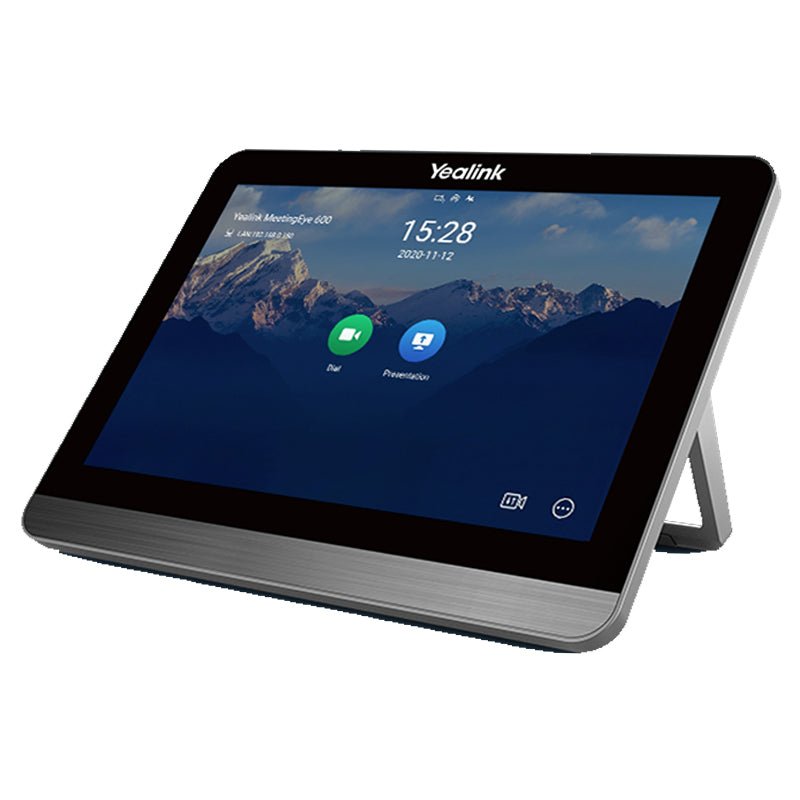
- One-Touch Join: The included CTP18 Touch Panel lets you start meetings, adjust volume, and control the camera with a single tap from the table.
- Electric Privacy Shutter: The lens automatically closes when the meeting ends, providing physical security for sensitive discussions.
AI-Powered Dual Cameras
Auto Framing and Speaker Tracking adjust the view as people join, move, or present—no manual camera control required. An electric privacy shutter adds peace of mind between meetings.


6-Meter Pickup with AI Noise Reduction
An 8-MEMS microphone array captures voices clearly up to 6 meters, supported by Yealink noise reduction, AGC, echo cancellation, and full-duplex audio. Built-in forward-facing speakers deliver natural, room-filling sound.
CTP18 Touch Panel & Native Platforms
The CTP18 touch panel provides one-touch join, call controls, camera adjustments, volume, and layout switching at the table—no laptop required. The A30 runs Microsoft Teams Rooms and Zoom Rooms natively (no dedicated PC needed).

Yealink A30-020 Key Features
- Designed for Medium Rooms — Typically supports 9–12 participants.
- Dual-Camera System — 10× hybrid zoom (3.5× optical + 3× digital) & 120° ultra-wide FOV with electric privacy shutter.
- 6-Meter Mic Pickup — 8-MEMS array with AI noise reduction; full-duplex audio.
- CTP18 Touch Panel Included — One-touch join and in-room meeting control.
- Native Teams Rooms & Zoom Rooms — PC-free room system with easy content sharing.
- Powered by Qualcomm Snapdragon 845 — Dedicated SoC enables smooth Teams/Zoom performance, fast AI framing response, and reliable long-duration meeting stability.
- All-in-One Simplicity — Compute, cameras, mics, speakers, Wi-Fi, and Bluetooth in one bar.
Yealink A30-020 Datasheet & Full Specifications
For complete technical details, see the Yealink MeetingBar A30 Datasheet (Updated Sept 2025).
Prefer a bundle with a handheld remote instead? View A30-010 bundle with VCR remote →
Package Contents (A30-020)
- MeetingBar A30 endpoint
- CTP18 Touch Panel
- 3 m Ethernet cable
- HDMI cables × 2 (1.8 m)
- Mounting bracket & accessories
- Power adapter
- Quick Start Guide
Detailed Specifications
| Parameter | Description |
|---|---|
| Operating System | Android 10.0 |
| Dual Camera System |
|
| Audio |
|
| Meeting Features |
|
| Video Standards |
|
| Network & Security |
|
| Ports |
|
| Physical & Power |
|
| Weight |
|
| Carton Measurements |
|
| Controller & Sharing Options |
|
Frequently Asked Questions
What is included with the Yealink MeetingBar A30-020?
The A30-020 bundle includes the Yealink MeetingBar A30 collaboration bar and the CTP18 touch control panel, along with mounting hardware, HDMI and network cables, power supply, and setup documentation.
What room size is the MeetingBar A30 designed for?
The A30 is recommended for medium meeting rooms, typically supporting 9–12 seated participants. The dual-camera system and 6-meter microphone pickup ensure all participants are clearly captured.
Does the A30 support Microsoft Teams Rooms and Zoom Rooms natively?
Yes. The A30 can run Microsoft Teams Rooms or Zoom Rooms directly on the device — no dedicated room PC is required. You can also join meetings from other platforms through content sharing or BYOD mode.
What does the CTP18 touch panel do?
The CTP18 provides table-top control for joining meetings, adjusting volume, muting/unmuting, controlling cameras, and selecting layouts — all without needing a laptop or handheld remote.
Can I expand audio coverage for larger rooms?
Yes. The A30 supports external microphones, allowing you to extend microphone pickup coverage for larger conference rooms or boardrooms.
Is wireless content sharing available?
The A30 supports wired and screen-share options via HDMI/USB-C using the optional VCH51 Sharing Kit.
Note: The Wireless Presentation Pod (WPP20/WPP30) is not available in the U.S. market. Add VCH51 for reliable BYOD content sharing.
What is the difference between A30-020 and A30-010?
The core A30 hardware is the same. The difference is in the controller included:
- A30-020 — Includes the CTP18 touch panel for full in-room control.
- A30-010 — Includes a VCR handheld remote instead of the touch panel.
If you prefer professional room control, choose A30-020. If you want a simpler remote-based setup, choose A30-010.
Is the system easy to deploy and manage?
Yes. The A30 is an all-in-one room system with compute, cameras, microphones, and speakers built in. It supports remote device management through Yealink cloud tools or Teams/Zoom admin portals.