




Description
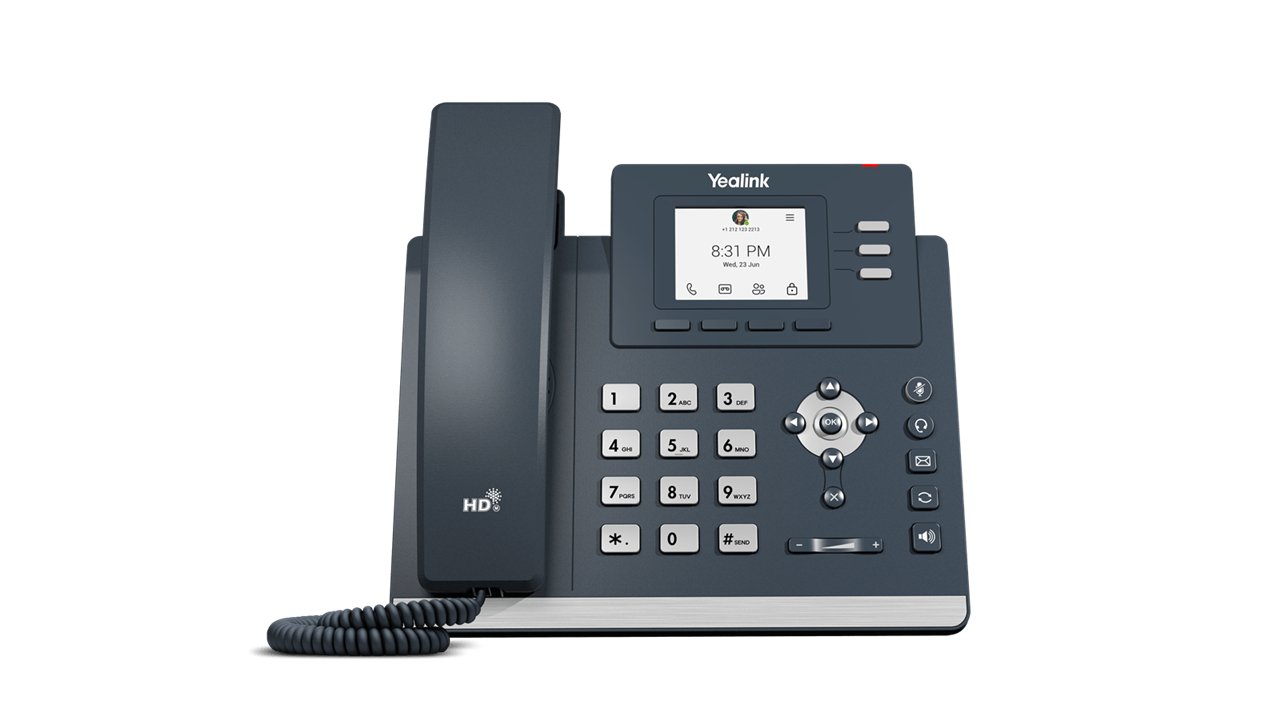
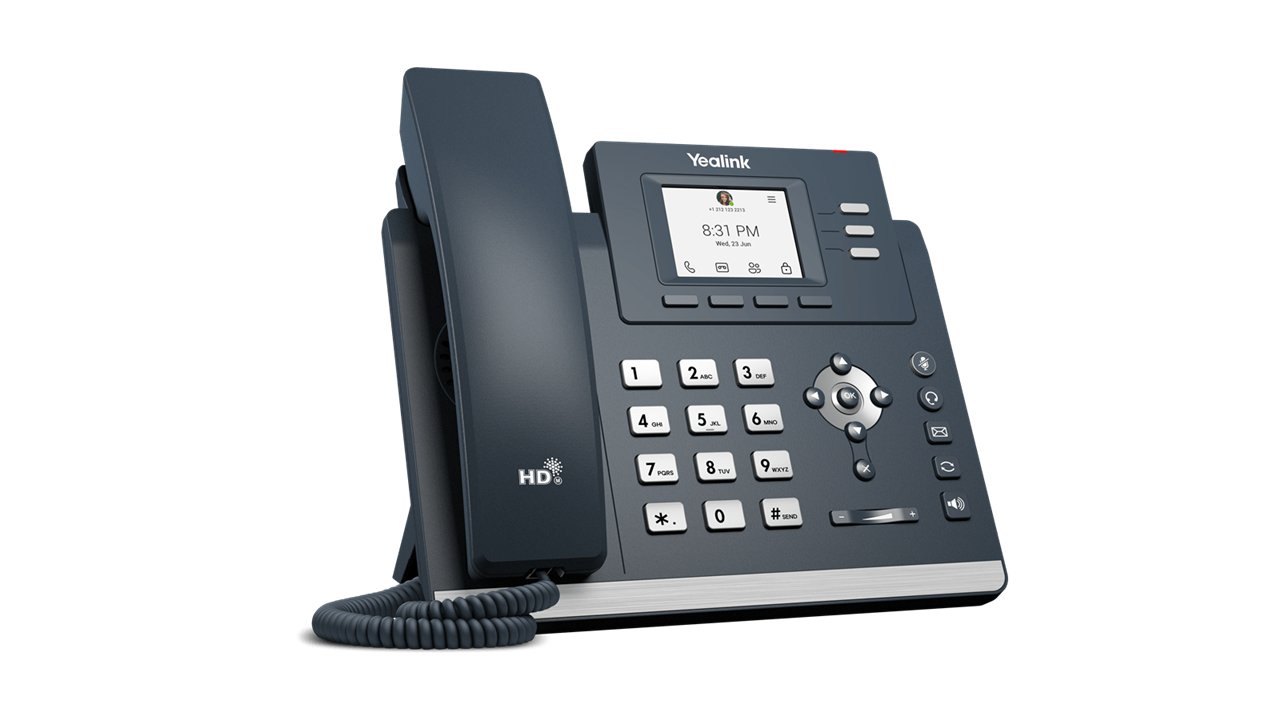
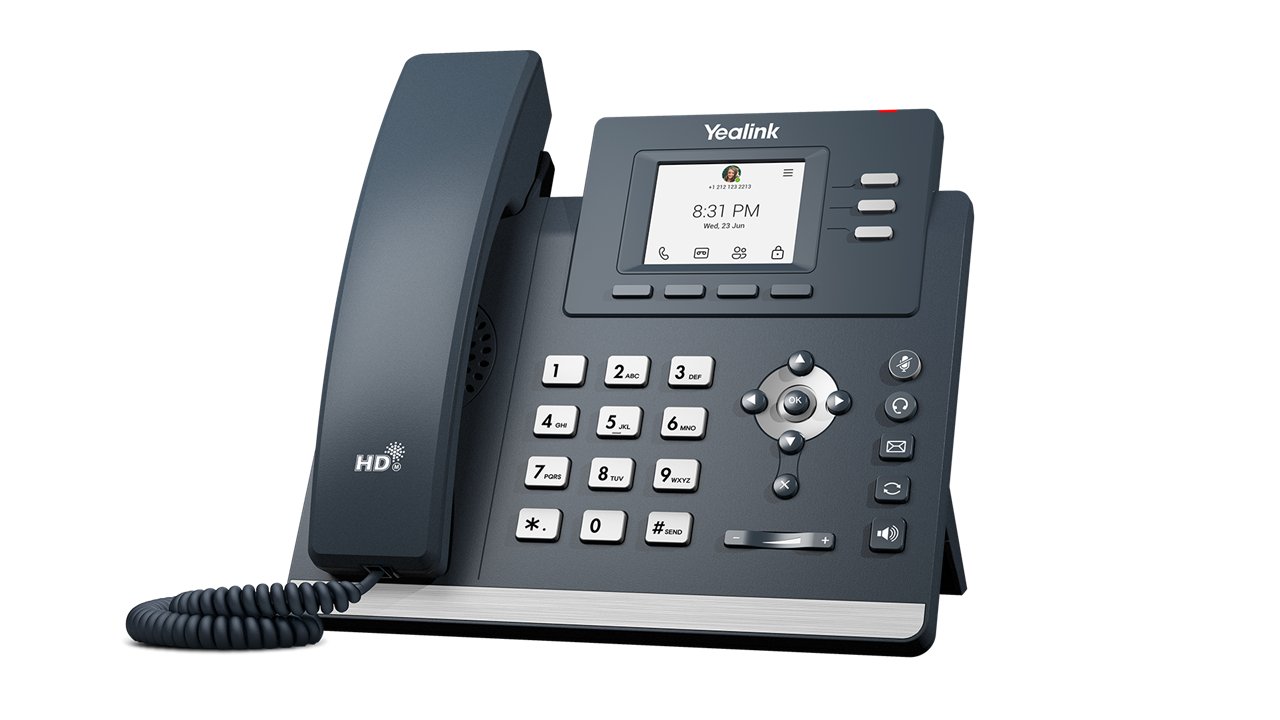
High-traffic shared spaces need a phone that’s tough, clear, and ready for anyone to use—no training required. The Yealink MP52 E2 Microsoft Teams Phone is purpose-built as a Common Area Phone (CAP) that delivers crystal-clear calls even in noisy environments like hospital corridors, hotel lobbies, or warehouse floors. With native Microsoft Teams integration, hard keys for instant dialing, and effortless setup, it keeps communication flowing without the hassle.
The Telecom Spot Take
For facilities managers and IT directors looking to equip common areas like hotel lobbies, hospital corridors, or warehouse break rooms, the MP52 E2 hits the sweet spot. Its physical keypad and compact design make it less prone to damage compared to touchscreens, while Yealink’s Noise Proof Technology ensures conversations stay clear even in noisy surroundings. Native Teams support means quick setup via the Admin Center, and CAP mode keeps it ready for shared use without personal logins. It’s a cost-effective way to bring professional-grade communication to shared spaces without complexity.
Key Features
- Optimal HD Audio with Noise Proof Technology – Acoustic Shield, Smart Noise Filtering, and loudness enhancement deliver crystal-clear calls even in loud common areas; full-duplex speakerphone with AEC keeps conversations natural and hands-free.
- Common Area Phone (CAP) Support – Designed for shared use in lobbies, corridors, warehouses, and hospitals; no personal login needed—always ready for the next caller.
- Durable Hard Keys & 2.4" Color Screen – Physical keypad stands up to heavy use and makes dialing effortless; bright non-touch display shows call info and messages at a glance.
- USB Headset Ready – Built-in USB Type-A port supports compatible headsets for private calls when needed.
- Gigabit PoE & Dual-Port Ethernet – Power and data over one cable for fast, clean installation; wall-mountable for flexible placement in any common area.
- Native Microsoft Teams Experience – Seamless integration with Auto Attendant, Call Park, and line keys plus advanced management via Microsoft TAC and YMCS for zero-friction deployment and real-time monitoring.
Technical Specifications
| Feature | Specification |
|---|---|
| Display | 2.4" (320 × 240) non-touch color screen |
| Operating System | Android 13.0 |
| Audio | Optimal HD audio, Acoustic Shield, Smart Noise Filtering, full-duplex speakerphone with AEC, loudness enhancement |
| Handset | Hearing Aid Compatible (HAC) magnet handset |
| Ports | 1 × USB Type-A (headset support), dual-port Gigabit Ethernet |
| Power | PoE (IEEE 802.3af, Class 3) |
| Mounting | Wall-mountable (optional) |
| Management | Microsoft Teams Admin Center (TAC), Yealink Management Cloud Service (YMCS) |
| Security | Microsoft Device Enrollment Platform (MDEP) |
| Dimensions | 212 × 186 × 146 × 42 mm (phone with stand) |
Comparison at a Glance
- vs. Basic SIP Desk Phones: Native Microsoft Teams interface + CAP mode vs. generic SIP; far better noise handling and security via MDEP.
- vs. Touchscreen Teams Phones: Hard keys + non-touch screen withstand heavy public use better; lower cost while still delivering full HD audio and PoE.
- vs. Older MP52: Updated Android 13, improved MDEP security, and enhanced management tools.
Frequently Asked Questions
What is a Common Area Phone (CAP) and why does the MP52 E2 use it?
CAP mode lets any user pick up and make Teams calls without logging into a personal account—perfect for lobbies, waiting areas, or corridors where multiple people need quick access.
Does the MP52 E2 work in noisy environments?
Yes. Yealink Optimal HD audio, Acoustic Shield, and Smart Noise Filtering keep voices clear even when background noise is high.
Can I mount it on the wall?
Absolutely. The MP52 E2 is wall-mountable via optional wall mount, making it ideal for space-saving installations in hallways or public areas.
Is a power adapter included?
No—the phone uses PoE (Power over Ethernet). If you need a power adapter, it’s sold separately.
How easy is it to deploy multiple units?
Very easy. Bulk provisioning through Microsoft Teams Admin Center or Yealink Management Cloud Service lets IT teams update and monitor phones remotely.
Does it support headsets?
Yes—one USB Type-A port supports compatible USB headsets for private conversations.