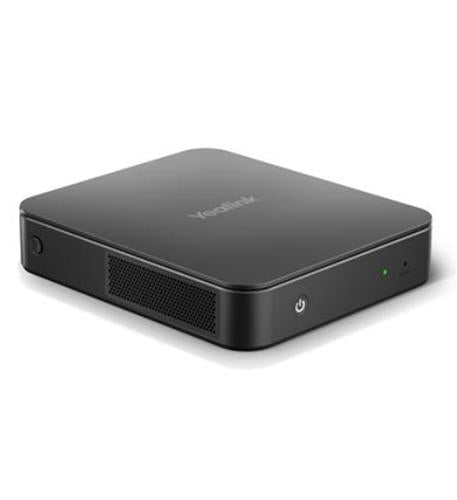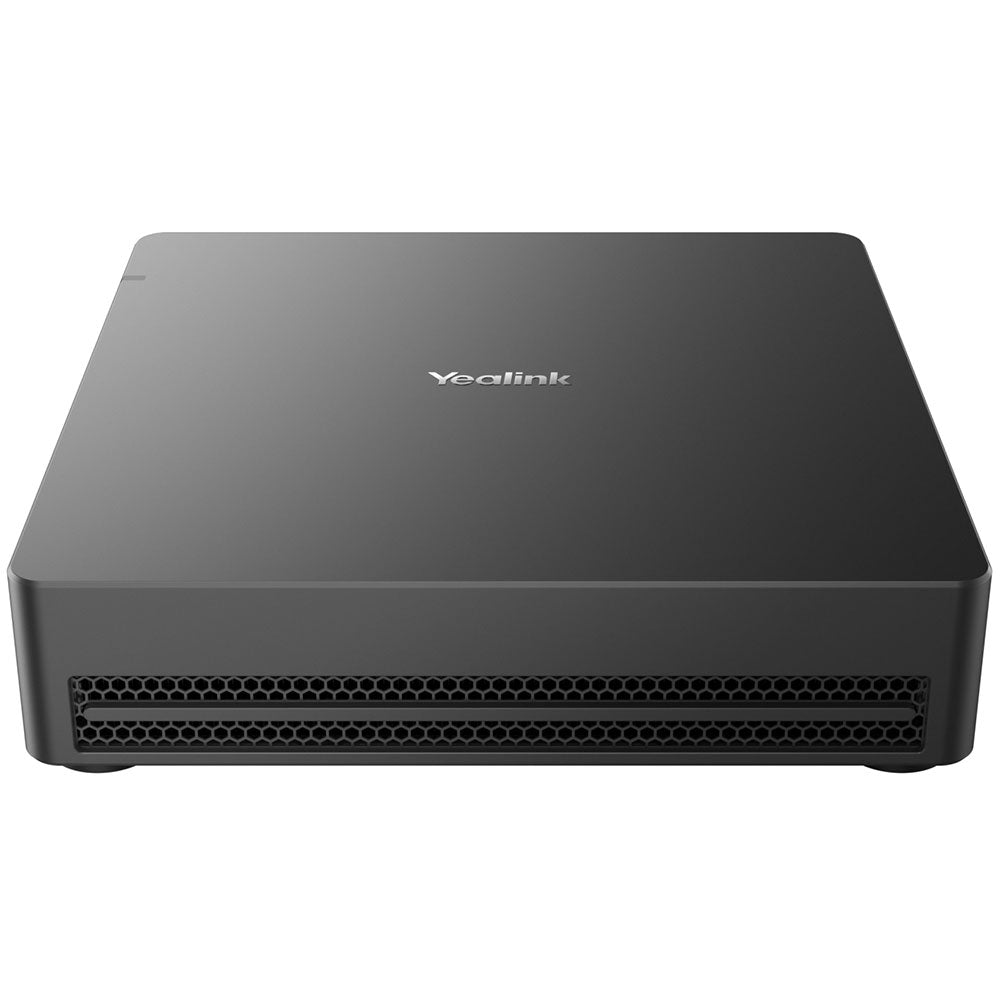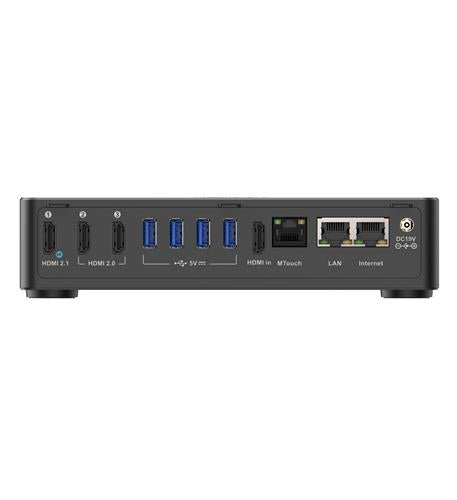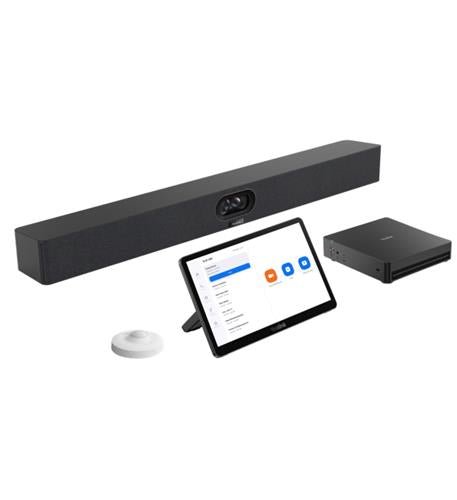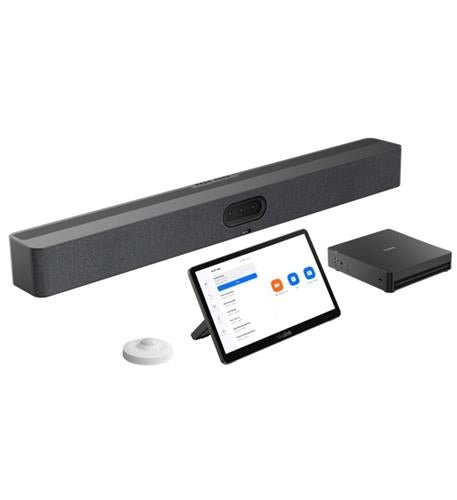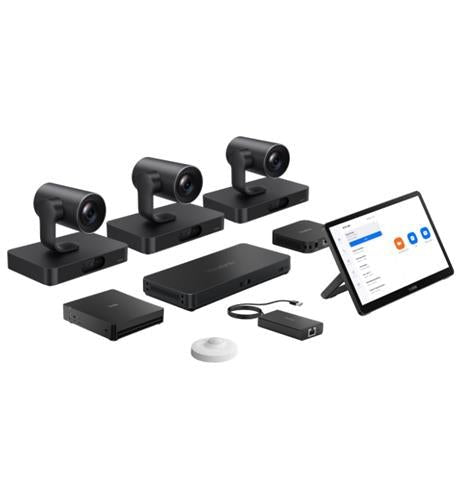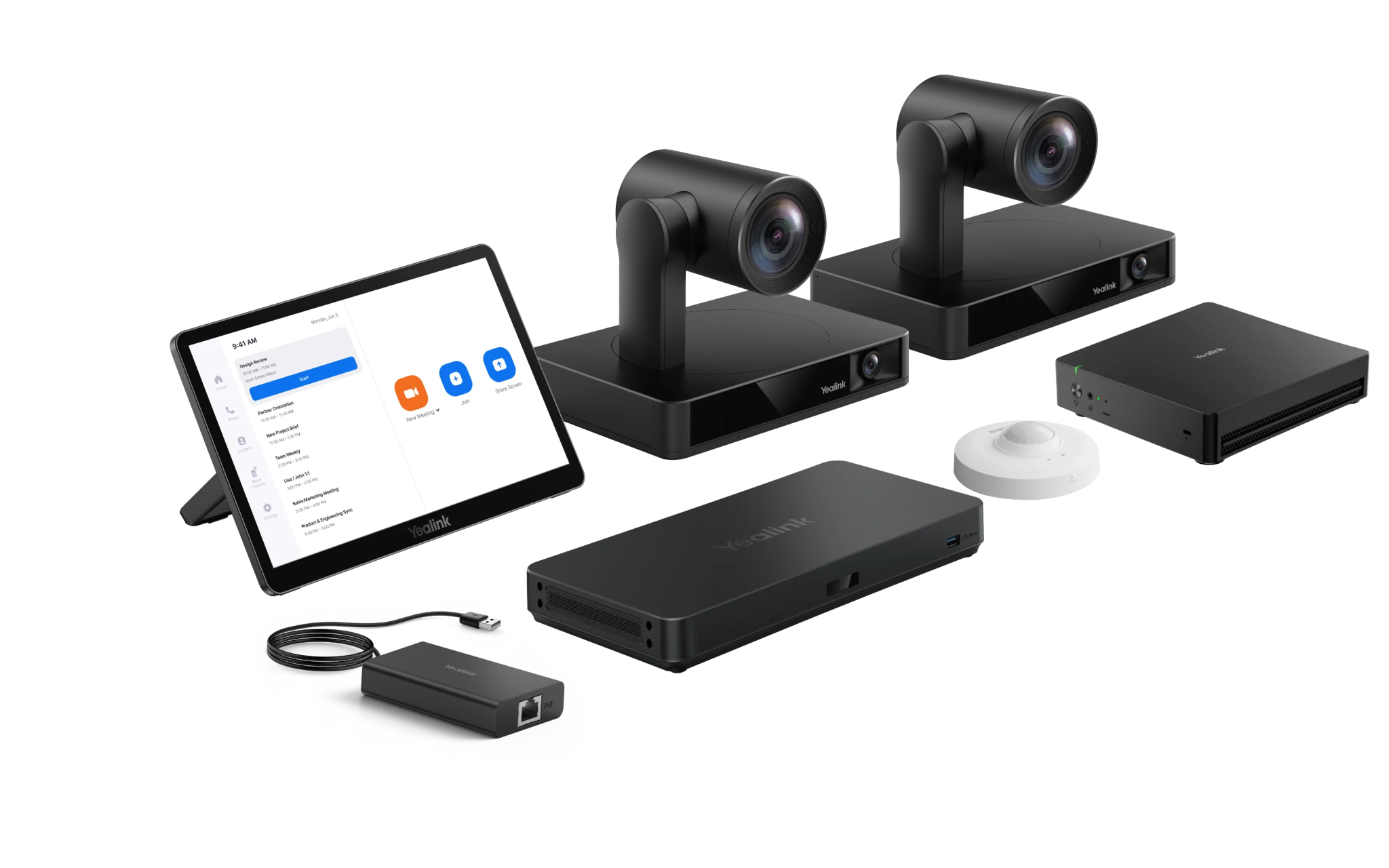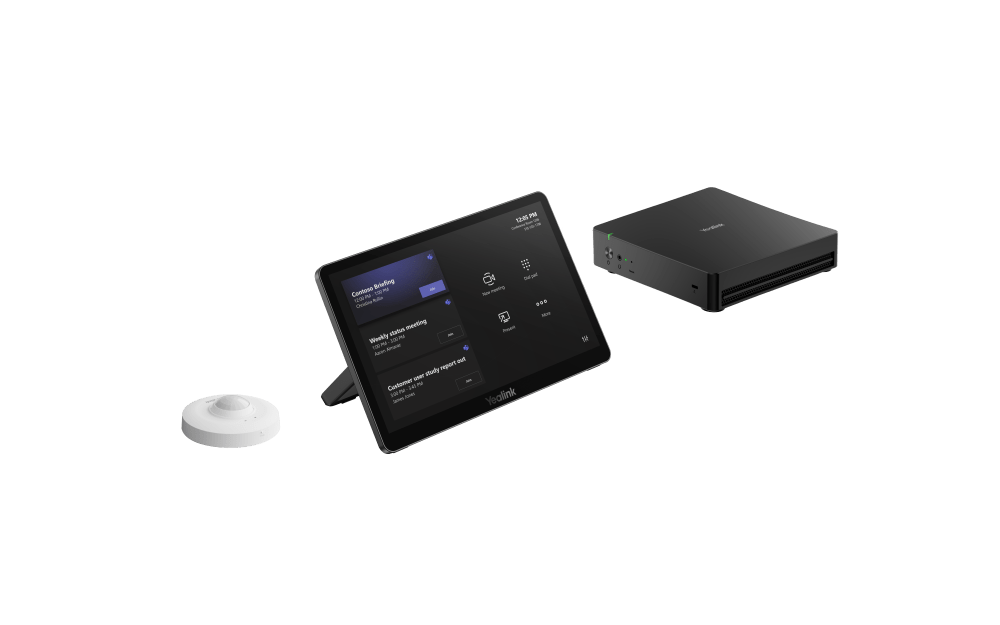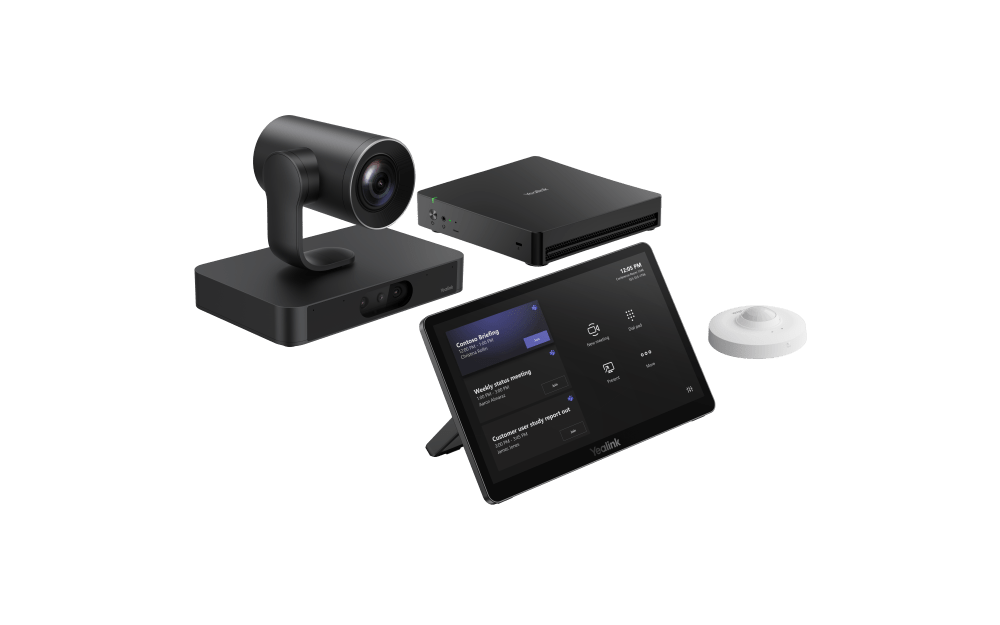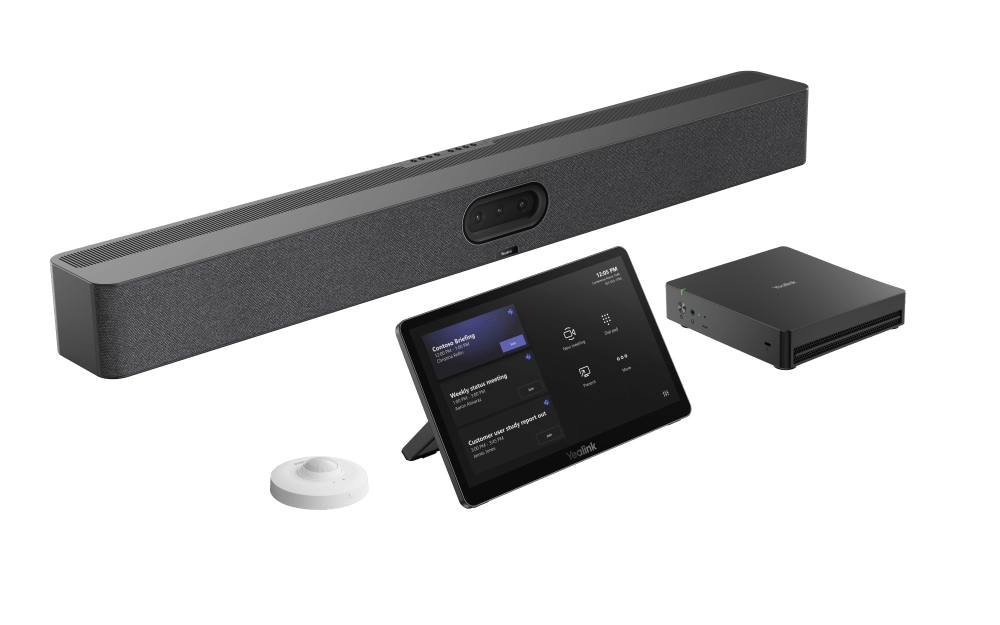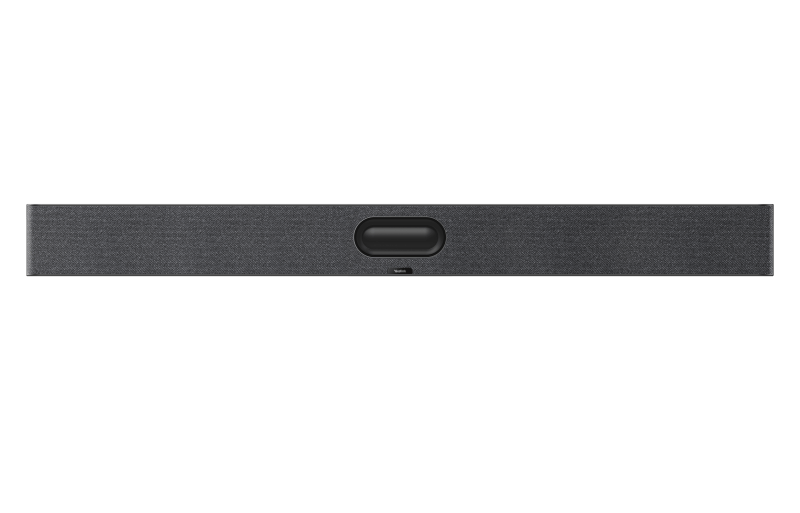


Yealink’s MVC (Teams) and ZVC (Zoom) kits combine high-performance Windows compute with 4K cameras, intelligent audio, and flexible accessories so you can standardize on certified, scalable rooms from small huddles to extra-large boardrooms and Pro-AV spaces.

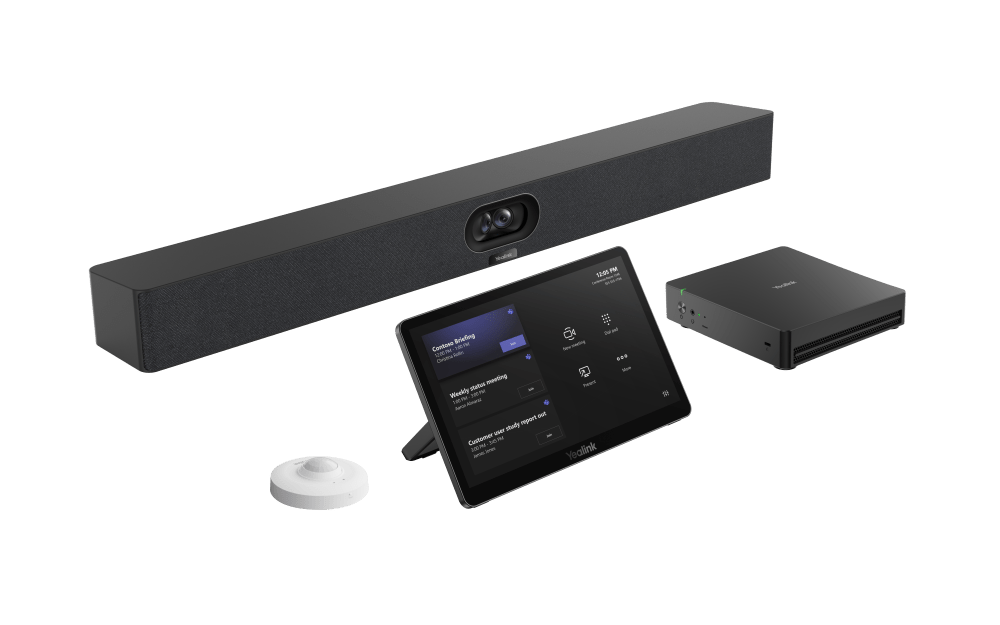
Introducing Yealink MVC S40
Short overview of Yealink’s Windows-based Microsoft Teams Room kit for small to medium rooms. Some accessories shown in Yealink videos may vary by region.
*Note: The WPP30 wireless presentation pod shown in some Yealink materials is not available in the U.S. market.*
Room Size & Bundle Guide
Match your platform and room size to the right Yealink Windows-based video conferencing kit. MVC systems are certified for Microsoft Teams Rooms, while ZVC systems are designed for Zoom Rooms. Both share the same reliable Windows architecture and are available in bundles for small to extra-large spaces.

Small to Medium Rooms
- MVC/ZVC S40 — Teams/Zoom — for ~6–11 participants

Medium to Large Rooms
- MVC/ZVC S50 — Teams/Zoom — up to ~16 participants
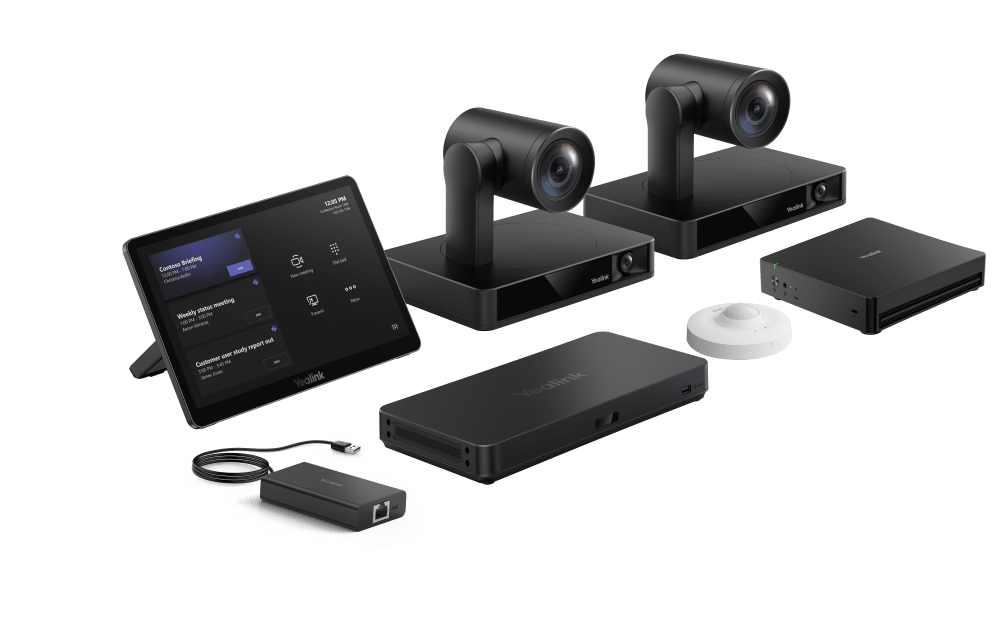
- MVC/ZVC S80 — Teams/Zoom — Pro-AV configuration

Large Rooms
- MVC/ZVC 860 — Teams/Zoom — for ~10–20 participants

Extra-Large Rooms & Pro-AV
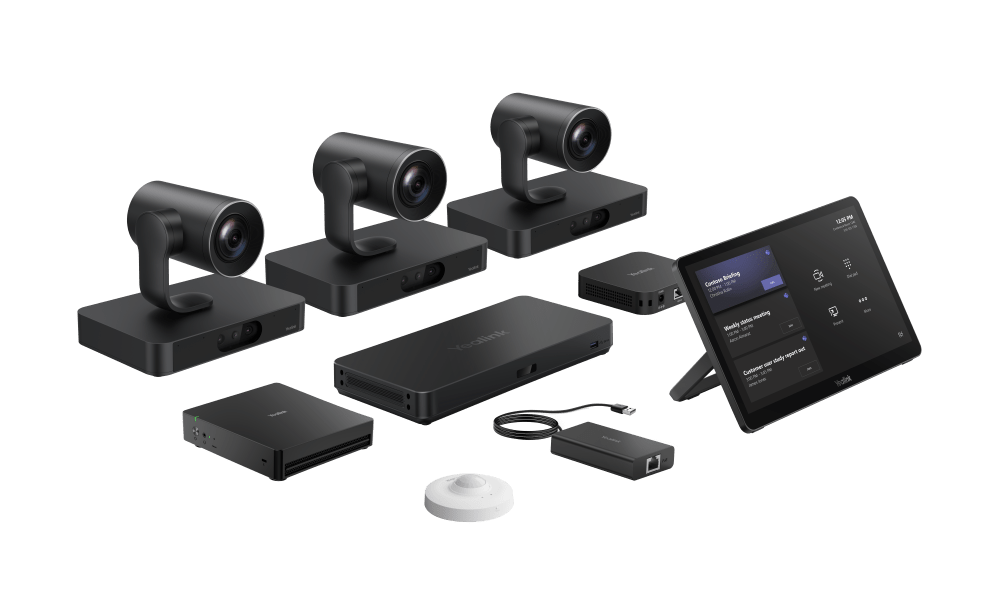
- MVC/ZVC S98 — Teams/Zoom — Pro-AV (extra-large)
- MVC/ZVC S90 — Teams/Zoom — boardrooms (~25+ participants)
Not sure which fits your space? Tell us your platform (Teams or Zoom), room size, and display setup — we’ll match you to the best Yealink kit.
Transition to 4th-Generation (MCore 4 / C5U) Systems
Yealink is introducing new 4th-generation (MCore 4 / C5U) video conferencing bundles powered by the upgraded MCore 4 mini-PC. These next-generation systems offer faster performance, improved energy efficiency, and simpler management across both MVC (Teams Rooms) and ZVC (Zoom Rooms) solutions.
Previous 3rd-generation (C5) models remain fully supported and compatible with existing Yealink peripherals. As 4th-generation kits become available, they’ll gradually replace the C5 versions across all room configurations. Product SKUs on our product pages reflect the corresponding generation model.

Yealink MVC 4th Gen Series — Certified Microsoft Teams Rooms Systems
Resources & Downloads
Access product documentation, setup guides, datasheets, and helpful resources for Yealink MVC and ZVC systems. Use the Room Designer to plan and visualize camera, microphone, and display placement for your meeting space.
Quick Setup & Checklists
Usage & Deployment
Datasheets & Reference
Common Accessories & Expansion Options
Yealink’s MVC and ZVC systems are designed for flexibility. Below are some of the most common accessories we see paired with these systems. For best compatibility and configuration guidance, please contact us at sales@thetelecomspot.com or use the Yealink Room Designer to plan your setup.
MCore Mini-PC Kits
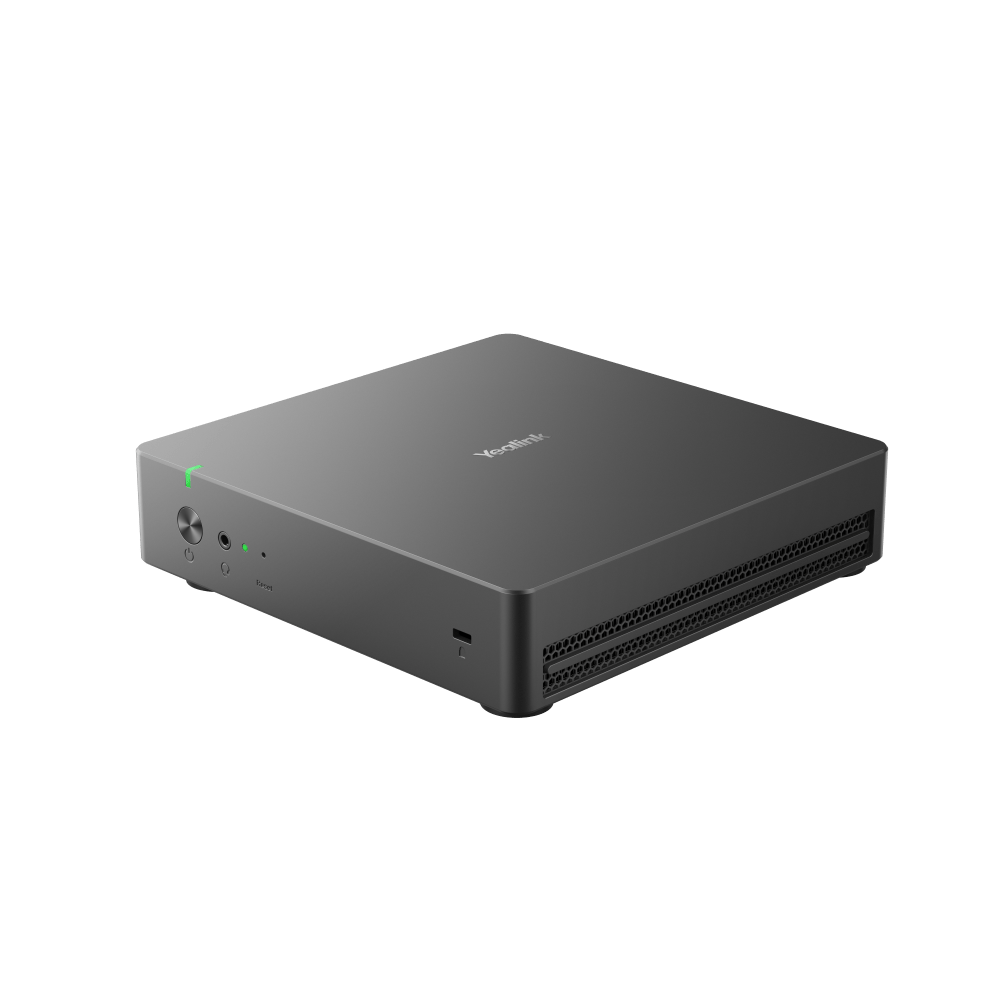
Choose between MCore, MCore Pro, and MCore Kit C5U — Yealink’s Windows-based compute kits powering MVC and ZVC systems.
View MCore Options ›Cameras
- Yealink UVC86 – Dual-eye PTZ camera with intelligent speaker and presenter tracking.
- SmartVision 80 – 360° panoramic AI camera with multi-stream voice tracking.
Microphones
Speakers
- MSpeaker Pro – Premium speaker bar for medium to large spaces.
- CS10 – Ceiling-mounted loudspeaker for immersive distributed audio.
Room Scheduling Panels
- RoomPanel E2 – Compact touchscreen display for Teams or Zoom scheduling.
- RoomPanel Plus E2 – Larger panel for high-traffic or shared spaces.
Mounting and stand options include wall mounts, floor stands, and lift stands to support various room layouts. Note: The WPP30 wireless presentation pod is not available in the U.S. market. For content sharing, use Yealink’s VCH ports or compatible wired solutions.
Need help choosing the right Yealink MVC or ZVC system?
We help businesses find and source the right Yealink video conferencing solutions by offering fast quotes, competitive pricing, and responsive sales support. Tell us your room size and platform, and we’ll recommend the best bundle for your needs.
📧 sales@thetelecomspot.com | 📞 866-369-3394 | Request Your Quote
⭐ Authorized Yealink Silver Video Partner — expert guidance and competitive pricing.
Experience Yealink’s Windows-based MVC and ZVC systems. Certified solutions designed for seamless collaboration on Microsoft Teams Rooms and Zoom Rooms.