


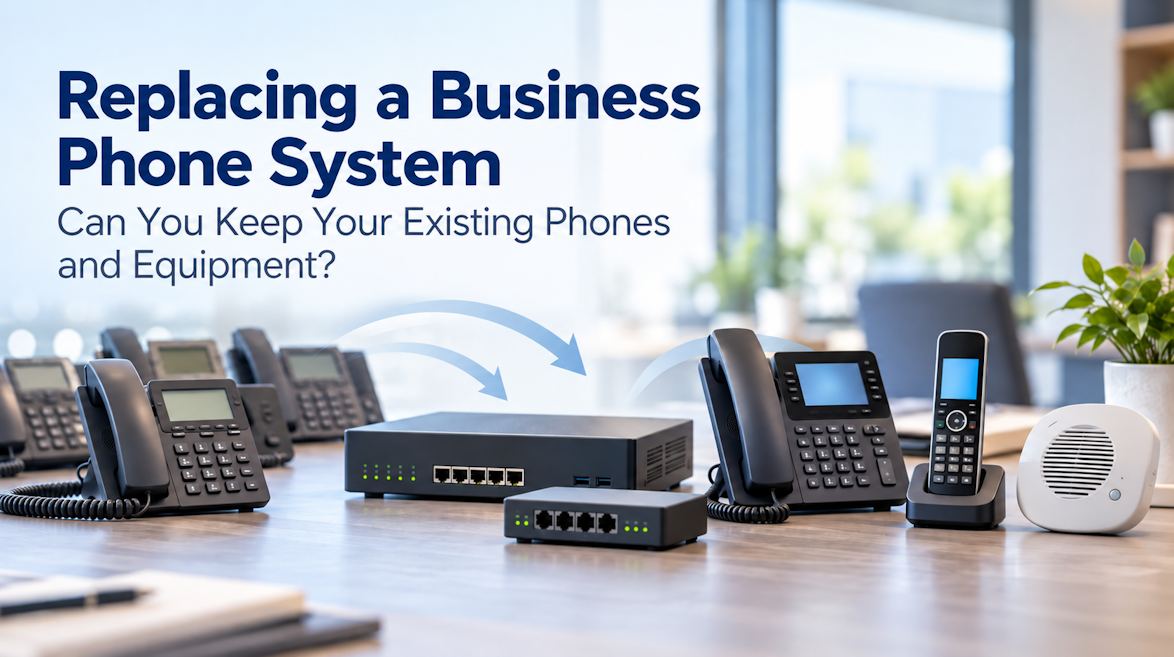
Replacing an older business phone system doesn't always mean replacing every phone and accessory along with it.
Whether you're moving away from an older NEC SL2100, Panasonic, Toshiba, or Avaya system, or switching between VoIP platforms, some of your existing equipment may still work. Other devices might need an adapter, and a few will probably need replacing.
Before ordering a new PBX and dozens of phones, it's worth checking what you already have.
Planning a Phone System Upgrade?
Not sure what to keep or which system to choose? Tell us about your current setup, what you're looking to do, any must-have features, and your approximate budget. We can help you explore equipment options and put together a quote.
At a Glance: What Can You Keep?
Here's a quick overview. Actual compatibility depends on the equipment models and the replacement phone system.
| Existing Equipment | What to Consider |
|---|---|
| SIP desk phones | Often reusable; check model and PBX compatibility. |
| Proprietary digital phones | Usually need replacing. |
| Analog phones | Often reusable with an ATA or FXS gateway. |
| Fax machines | May work through an adapter; test reliability. |
| Paging equipment | Speakers and amplifiers may work with a suitable SIP interface. |
| Door phones and intercoms | Depends on connection type and required functions. |
| DECT cordless phones | Check base station and handset compatibility. |
| Ethernet cabling and PoE switches | Often reusable if they meet the new system's requirements. |
| Existing VoIP gateways | Depends on interfaces, firmware, and PBX compatibility. |
Can You Keep Your Desk Phones?
If you're already using standard SIP phones, there's a good chance some can move to your new PBX.
Many manufacturers offer SIP phones that work with a variety of business phone systems. However, compatibility depends on the exact model, firmware, and features you need.
Not sure what type of phones you have? Start with the model number on the back or underside of the phone. Some older IP phones use proprietary protocols, so having an Ethernet connection doesn't automatically mean they'll work with a new SIP PBX.
If your phones came from a hosted VoIP provider, check whether they can be released and reprovisioned for another system. Some models are reusable, but provider restrictions and the new PBX's supported phone list can affect your options.
What if you need new phones? Options include Grandstream GRP and Fanvil X-Series phones, including affordable models for larger installations. Yealink T-Series, Poly Edge E-Series, and Snom D-Series also offer choices for different office needs.
Our IP phone comparison guide covers several popular brands, or you can browse our full telephone selection.
Older proprietary digital handsets, such as certain NEC, Toshiba, and Panasonic models, are another story. These usually can't connect directly to a standard SIP PBX, so replacing them is often the more practical choice.
Still using an NEC SL2100? If your current system is meeting your needs, keeping it running may still be an option. Although NEC has discontinued new SL2100 system sales, The Telecom Spot still carries select NEC SL2100 phones, parts, and equipment from remaining inventory. Availability varies by item.
What About Analog Phones and Fax Machines?
Traditional analog phones can often stay, even when the PBX changes. You'll typically need an ATA (Analog Telephone Adapter) or FXS gateway to connect them to a VoIP system.
A few examples:
- Grandstream HT812 v2: A compact two-port ATA for keeping one or two analog phones.
- Yeastar TA100 / TA200: One- and two-port alternatives for smaller installations.
- Yeastar TA800: An eight-port FXS gateway for businesses retaining several analog extensions.
These are just a few options. You can compare more in our ATA collection or browse VoIP gateways for larger installations.
Is keeping the old phones worth it? For a handful of analog devices, an adapter may be the easiest solution. But if you're keeping 20 or 30 aging handsets, compare the cost of larger gateways against upgrading to SIP phones. New phones may offer more features and eliminate the need for adapters, although cabling, PoE, and installation costs should also be considered.
Fax machines can be trickier. Some work through suitable adapters or gateways, especially with T.38 support, but not every device and provider combination will be reliable. Test before depending on fax over VoIP for daily operations.
Paging Systems, Door Phones, and Intercoms
Have an overhead paging system that's still working fine? You may be able to keep the speakers, amplifiers, and wiring.
Depending on how the existing equipment connects, a SIP paging adapter or amplifier may be all you need to bring it over to a new phone system.
Some products worth looking at:
- Algo 8301: A practical option for connecting existing analog PA systems to SIP, with built-in bell scheduling.
- Algo 8312: Builds on the 8301 with support for compatible handheld radios, additional sensor inputs, and more advanced paging workflows.
- Viking PA-IP: A SIP/multicast paging adapter with a built-in amplifier and an output for external amplification.
- Snom PA1+: A compact SIP paging amplifier that can also help connect certain existing analog paging setups.
- Fanvil PA2S / PA3: Other SIP paging options with different audio, amplification, and control features.
Not sure which Algo model makes sense? Our Algo 8312 guide compares it with the 8301 and explains when the extra features are useful. We've also covered the Snom PA1+ for analog paging in a separate article.
You can also browse our paging and notification equipment for more choices.
Door phones and intercoms are worth checking too. Some SIP models can move to a new PBX, while older analog or proprietary units may need an interface or replacement.
Manufacturers such as Viking, Fanvil, Grandstream, and Algo offer options for different applications. Check functions such as door release, video, and access control, not just whether the device can make a call.
Cordless DECT Phones: Check the Base Station
If your business uses cordless phones, don't forget about the base station. That's what connects SIP-based DECT handsets to the PBX.
If your current base station is compatible with the new system, you may be able to keep everything. Otherwise, you'll need to check whether the handsets work with a replacement base. DECT handsets aren't universally interchangeable.
For new setups, options include Yealink W-Series, Snom M-Series, and Grandstream DP-Series, among others.
Which one makes sense depends on handset count, coverage, simultaneous calls, and whether employees need to roam between coverage areas.
For an example of how different cordless systems compare, see our Snom M500 vs. Yealink W70B comparison.
Network Equipment and Existing Gateways
Here's some good news: your Ethernet cabling and PoE switches can often stay.
You'll want to confirm that you have enough network ports, sufficient PoE capacity, and the network features needed for your replacement phones. If additional equipment is necessary, we carry networking equipment and PoE switches.
Existing VoIP gateways may also be reusable, depending on their interfaces, firmware, and compatibility with the new PBX.
If you're still using analog telephone lines or PRI circuits, check how those will connect to the replacement system. You may need FXO or PRI gateways, or an appropriate expansion module. Some PBX appliances already include analog interfaces, which may reduce the additional hardware needed.
If you're switching to SIP trunking, some older line-interface equipment may no longer be necessary.
And if you're keeping your existing telephone numbers, confirm number-porting arrangements before canceling your current service.
Choosing a Replacement Business Phone System
Once you know which equipment can stay, you'll have a better idea of what to look for in a new PBX.
There are plenty of options, each with different hardware, licensing, and deployment requirements. Here are a few examples of systems worth comparing:
| Phone System | Why Consider It? |
|---|---|
| Yeastar P-Series | Appliance and software options, broad SIP phone support, and expansion options on supported models. |
| Grandstream UCM6300 | All-in-one PBX appliances, with built-in analog connections on select models. |
| Sangoma Switchvox | An integrated business phone system with unified communications features and Sangoma phone options. |
| Sangoma PBXact / FreePBX | Asterisk-based platforms for businesses looking for more configuration flexibility. |
| 3CX | Software-based PBX with flexible deployment options and support for selected third-party IP phones. |
These aren't the only choices, and the right fit depends on what you're trying to accomplish. Maybe you need better call handling, support for remote employees, more cordless coverage, multiple locations, or simply a reliable replacement for an aging system.
If Yeastar is on your shortlist, our Yeastar P-Series PBX Buyer's Guide covers its different models, features, and expansion options in more detail.
You can also browse our business phone systems to explore additional platforms.
Need Help Choosing Your Replacement Equipment?
Keeping existing equipment can save money, but sometimes starting fresh makes more sense. It depends on what you have, what you need, and how much work is involved in making everything compatible.
The Telecom Spot carries PBX systems, desk phones, gateways, paging equipment, cordless phones, and accessories from a wide range of manufacturers.
If you're planning a replacement and would like help narrowing down your options, feel free to reach out. A few details are especially helpful:
- Current equipment: PBX model, phones, and anything you'd like to keep.
- What you're looking to do: Replace an aging system, switch platforms, add features, or expand capacity.
- Requirements: Number of users, locations, paging, cordless coverage, remote workers, or other must-haves.
- Budget: An approximate range, if you have one in mind.
Don't have all those details yet? That's fine too.
We can help you compare available equipment, narrow down purchasing options, and put together a quote for your replacement system, hardware, or licensing.
Call 866-369-3394 or email sales@thetelecomspot.com.